Turn an area into materials with kits
Beds, sod, artificial turf, paths, patios, French drains and gutter runs become priced materials, rounded to what you order.
Steps
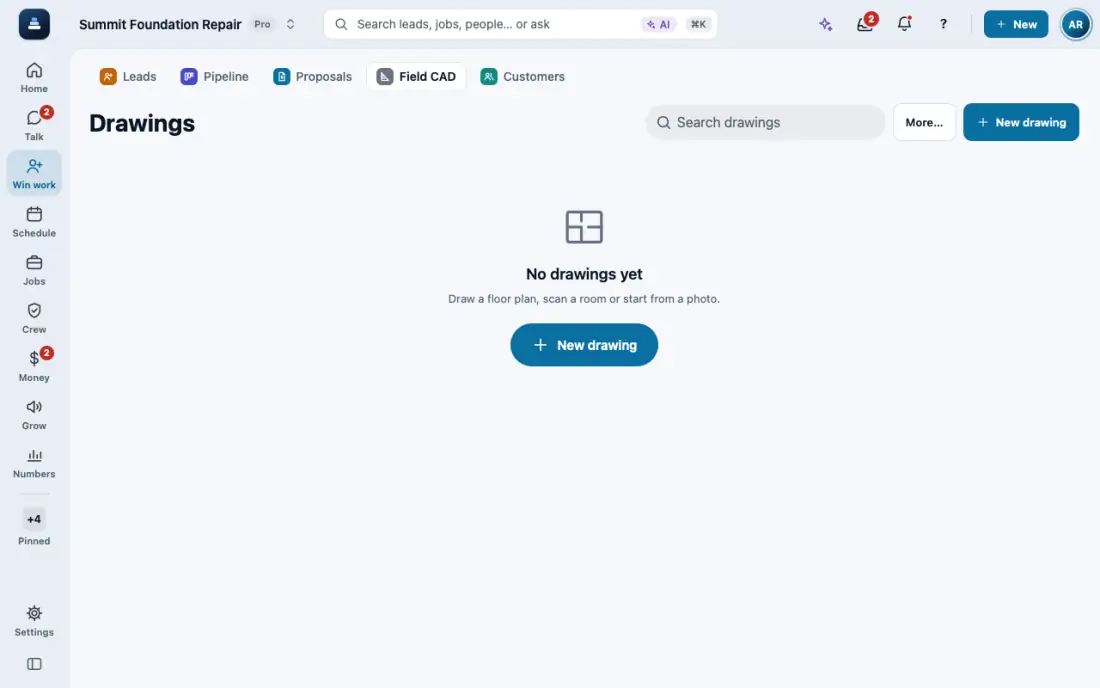
Draw the area or run in Field CAD, for example a bed or a French drain.
Tap it, then pick a kit: bed, sod, artificial turf, DG path, paver patio, French drain or gutter run. The materials show with the why behind each number. Artificial turf counts the turf with 10% for seams, base rock in tons, weed barrier, infill bags, edging and nails.
For plants, tap the bed, then More, then Grid fill. Type the spacing and pick staggered or square.
Pallets and bags round up once, with waste added first. Send the list to the proposal, or by supplier as a PDF, CSV, email or text.
In the app, open Help & guides and tap Show me: FollowStack points at each button as you go.
Related guides
- Run a guided inspection
- Send the inspection report
- Do a TREC home inspection
- Do a Texas wood destroying insect report
- Draw a house plan in Field CAD
- Turn a plan picture into a drawing
- Place piers around the house
- Scan the whole house with LiDAR
- Start a drawing from the address
- Show the drawing in 3D and share it
- Elevation readings and the heat map
- A reference point for each area of the house
- Add stairs and porch steps
- Measure a roof and send the roof report
- Record the products you apply
- Keep each home equipment and its service history
- Fill the elevation survey by voice
- Track cracks over time
- The yearly follow-up visit
- Take and file job photos
- Make a 360 tour