Send an inspection report or proposal
From the visit to a signing link: findings, photos, your prices and the payment schedule.
Steps
Proposals are an add-on. An owner switches them on in Phones & booking, then Company & domain, then Add-ons.
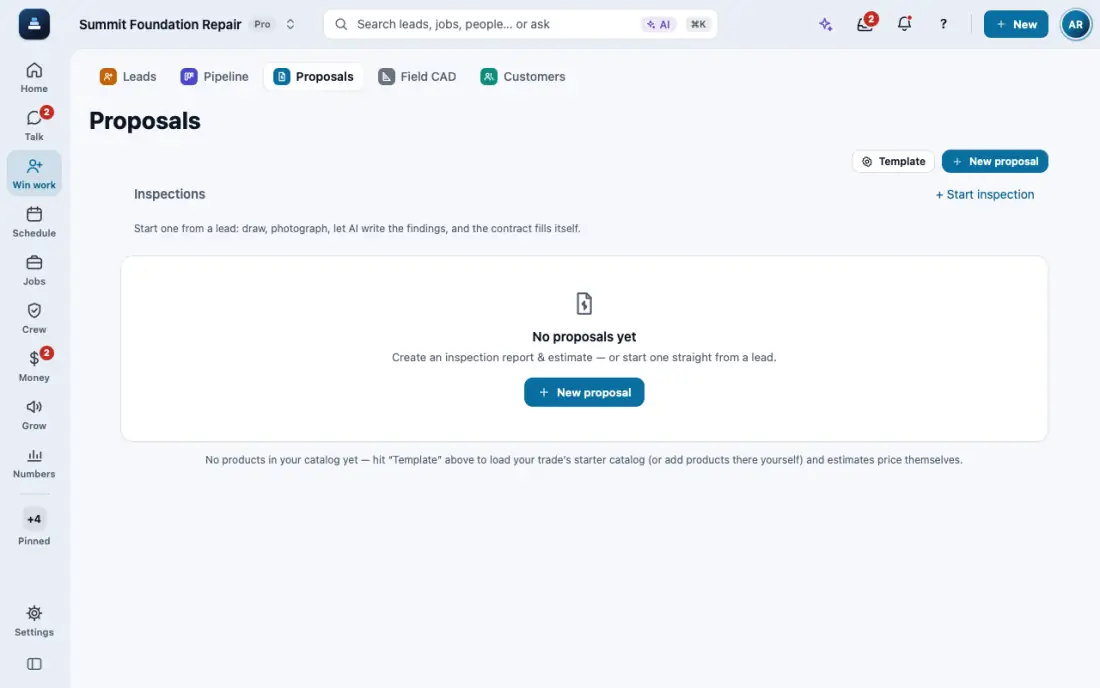
Open Proposals and tap New proposal. Pick the customer, or type a new name and address. Your template fills in the terms and the payment schedule.
The owner is not the person who called? Pick them in Made out to, from the people on the job. That is also where you add co-signers and who gets a copy.
Add what you found, with photos. Photos from the job can be picked straight from it.
Price the work with line items from your price book, or type your own. The total updates as you go.
Customer view is on every time you open the app, so a customer next to you never sees your costs, margin or profit. When you need them, tap the eye switch, then Show costs. They hide again by themselves the next time you open the app.
Open the preview and read it like the customer will, on your phone. Check the name, address, total and payment schedule.
Text it or Email it sends the signing link. The customer signs with a finger and you see when it is signed.
In the app, open Help & guides and tap Show me: FollowStack points at each button as you go.