An AI answering service for contractors that books the visit
FollowStack's AI answering service for contractors picks up when you can't, and the website chat books the visit. Every call, text and web request lands in one inbox with the next step ready.
How the AI receptionist answers calls
The AI receptionist answers in English or Spanish, asks for the property address before it offers a time, and books the visit on the right person's calendar. It never quotes a price. Missed a call yourself? The caller gets a text back within a minute. When you answer yourself, the live transcript opens by itself, and a time you both clearly agree on books the visit, held until you send the confirmation.
- AI receptionist
Answers calls, asks for the address first, books visits on the right person's calendar, never quotes a price, and hands off only to someone who speaks the caller's language.
Needs a connected phone line. - Missed-call text-back
A caller you missed gets a text from the number they dialed within a minute, held to quiet hours.
- Call recording, transcripts and summaries
Calls are recorded, transcribed and summarized on the lead's thread.
Recordings stay in your own Twilio account. - Calls that book the visit
When you answer, the live transcript opens by itself. When you and the caller clearly agree on a time, the lead and the visit are created by themselves, and the customer hears nothing until you tap Send confirmation. Undo is there too.


A call that books the visit
Summit Foundation Repair forwards its line to the owner's phone. While the owner is on the Calendar, a new caller rings, the owner answers on the phone, and the app opens the live call by itself with the words coming in. The caller asks for someone to look at cracks over two doors, they agree on Friday at 10 AM, and the call ends. The ended call says an on-site assessment was booked from the call and that the customer isn't told until Send confirmation, with Undo next to it. The call is a made-up script sent to the app the way the phone line's live transcription sends it, and the company and the people are made up.

The digital receptionist's settings and an example call
The digital receptionist screen shows an example after-hours call, then when it answers (after hours, calls nobody picks up, the tracking line), the escalation rules that ring a person, and the guardrails it keeps.
One inbox for calls, texts and email
Calls, texts, pictures and email sit on one thread per customer. The first text of an unanswered streak rings as an alert, rings again at 5 and 15 minutes, then becomes a Reply to task. Every message shows when it was sent and whether it was delivered.
- One inbox
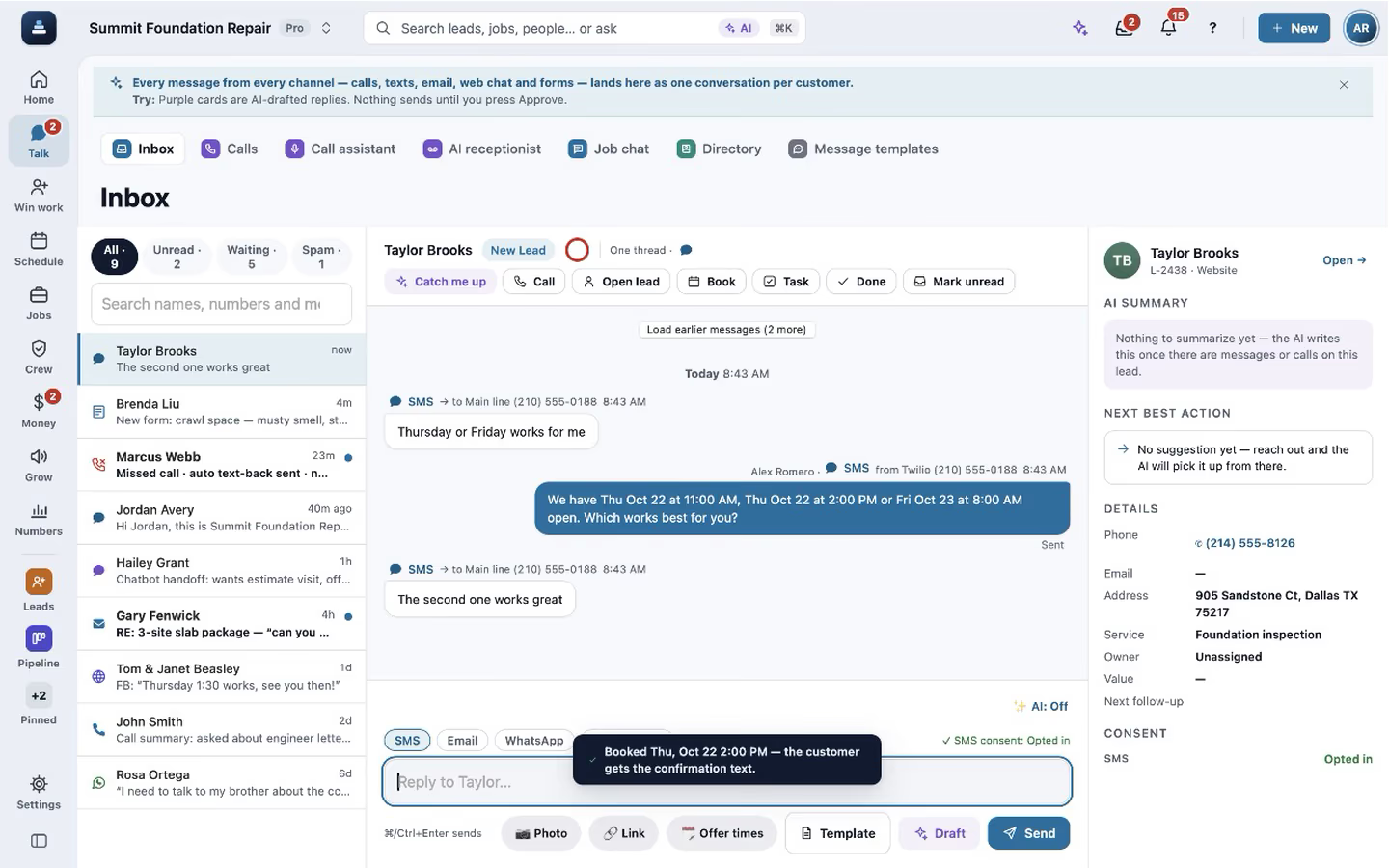
Calls, texts, picture texts and email on one thread per customer, with send status, alerts at 0, 5 and 15 minutes and a Reply to task after.
- AI reply drafts
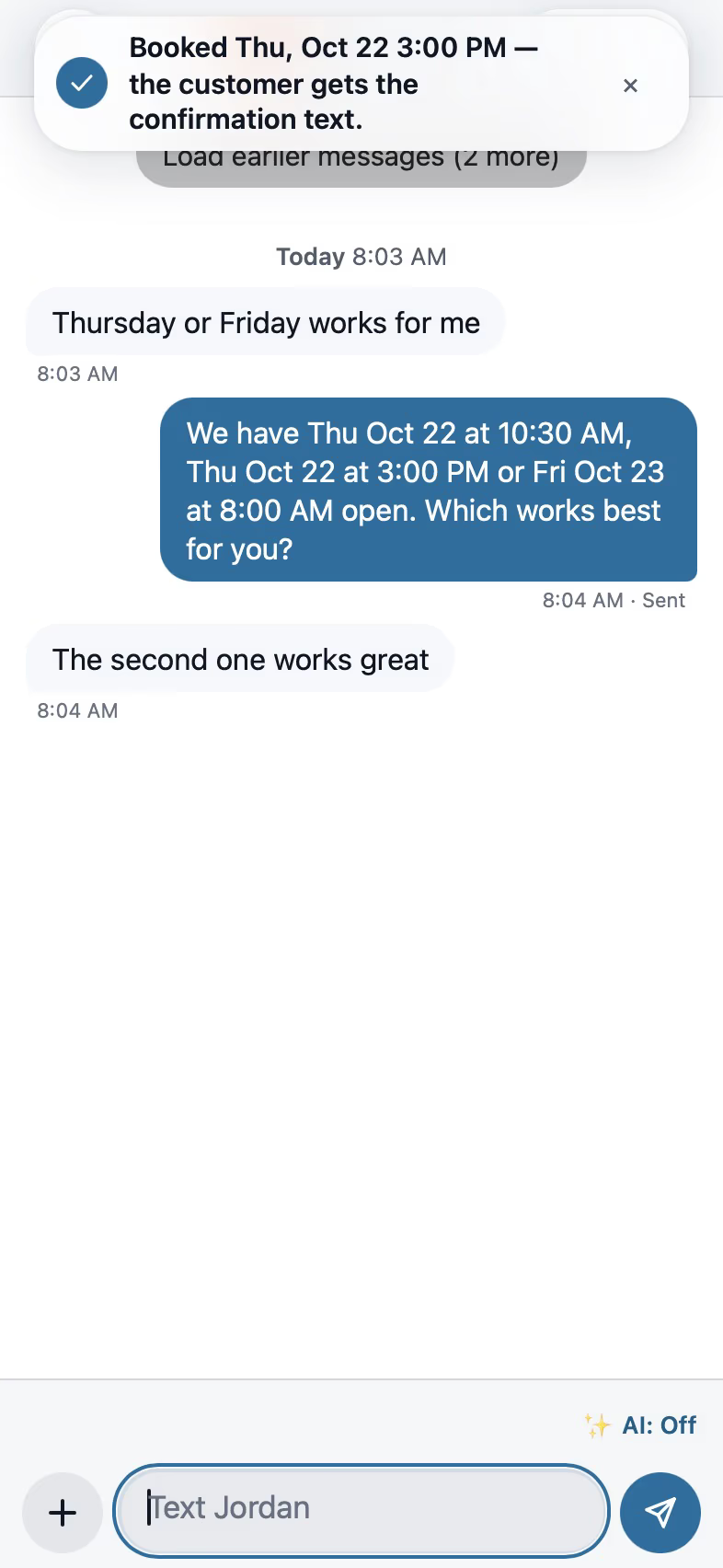
Drafts built from your facts (company, products, knowledge base, hours, real open slots) that never claim a booking. Off, Suggest (default) or Auto-reply.
- Offer times and book from the thread
Insert real open times into a text and book the one they pick in one tap.
Emails with real formatting
Write emails like a document, with headings, colours, pictures, buttons and divider lines, and keep templates that fill in each customer's name, visit and proposal link, in English and Spanish.
- Formatted email
Write emails with headings, bold, colours, lists, pictures you pick, paste or drop in, buttons and divider lines. Paste from Word or Google Docs comes in clean, and the signature goes out with your logo.
- Email templates with fields
Templates fill in the customer's first name, the visit's date and time and the proposal link, with words for when a field is blank, a preview line and a Spanish version for customers who prefer Spanish.


An email with real formatting
Summit Foundation Repair writes a lead an email from the inbox. After the subject comes a heading, the visit day in bold and the brand colour, a bulleted list of the work, a picture of a crack over a door, a See your proposal button with its link, a divider line and a closing line. Send email puts it on the customer's thread. The company, the people and the address are made up, and the picture is a drawing.
How web leads are saved first
Forms, chat and the booking page save what the visitor typed before anything else runs. If a text provider fails or the server restarts mid-chat, the lead is still there and the office gets one alert.
- Website chat
An AI chat for your website that answers from your approved facts, switches between English and Spanish with the visitor, and stores the lead before anything else.
- Web forms
Embeddable forms with photo and signature fields, ad-click attribution (utm, gclid, fbclid) and an honest message if anything fails.
- Lead vendor intake
Angi, HomeAdvisor, Thumbtack, Yelp, Google Ads lead forms and Google Local Services land as leads in the same request, deduplicated, with cost per lead and return by source.
- Speed-to-lead automations
The first text goes out the moment a lead arrives, naming what they asked about, only to people who agreed to texts.

Spam, junk and the leads worth your time
Every lead gets a score with a plain reason. Mark Spam or Not worth it with a reason, one lead or many, and Undo puts them back. A lead outside your area is flagged, never sent to Spam on its own, and Lead quality by source shows which paid sources send junk.
- Automatic lead score
Every lead gets a score with a plain reason. Out of your area is a flag you can act on in one tap, never Spam on its own.
- Spam and Not worth it
Mark a lead Spam or Not worth it with a reason, one or many at once, with Undo. Spam can block the sender, and Settings lists the blocked senders.
- Lead quality by source
Each source's leads, spam and leads not worth it, so you can see which paid sources send junk.
What each customer opened, and when to reach them
Insights on each lead and customer show every open of what you sent, with the device, and the calls, texts and emails both ways with reply times. Nine Customer engagement reports show how fast your team reaches people.
- Customer Insights
Every open of a proposal, report, invoice or album with the device, and the calls, texts and emails both ways with reply times and the best time to reach each customer. Your own team's looks and mail scanners don't count.
- Customer engagement reports
Nine reports, such as Speed to lead, Response times, Document opens and Best time to reach.
Tasks that help you do the work
Tap a task and it asks, "Call Dana now?" It dials, asks how it went, keeps the task open when nobody answered and tries again on the business-hours ladder. A task closes itself when the real thing happens, like a booking, a signed proposal or a paid invoice.
- Tasks that help you do them
Tap a task and it offers to call, text, book or send. It counts tries, reminds on time and closes itself when the real event happens.
- Pipeline
Move leads from new to won with your own stages and drafted next steps.
- Campaigns
One text or email to a filtered list of consented leads, each send logged on the thread.
- Survey-first review requests
Every customer sees the same review buttons whatever they answer, never twice in 180 days.

The scoreboard
The scoreboard lists each person with their new leads, proposals sent and signed, the signed total and the close rate, top seller first. This week and This month switch the period, and the owner sets the commission percent, counted on the signed total the day it is signed. The numbers are made up for the demo company.

A campaign from a saved template
On Campaigns, New campaign starts from the Ask for a review template, gets a name and picks who it goes to, like past customers from more than a year ago. Every send is checked for consent, quiet hours and the daily limit first.

Reviews and referrals
Reviews and referrals shows the review request for a customer, the switch to ask after every finished job, how the review engine works, the referral program with its reward per signed job, and the review widget for your website.
Also see the roofing CRM page.
See it in use
A call turned into a signed proposal
The missed call gets a text, the visit is booked near the address, and the proposal is signed on site.
See the stepsTexting and the digital receptionist
One inbox for texts, calls and chat, calls that book the visit, and a receptionist that answers when nobody can.
See the stepsOwners and managers
Home, the money, who is selling, which sources send junk, and an assistant that asks before it changes anything.
See the steps
User guides for AI front desk
- Work every conversation from one inboxCalls, texts, picture texts, email and web chat on one thread per customer.3 min
- Let the AI write a reply for youSay what the message should do. The AI writes it to fit the conversation, and nothing goes out until you tap Send.2 min
- Choose how AI replies in the InboxOff, Suggest or Auto-reply. Drafts use your real facts and never claim a booking.3 min
- Let the digital receptionist answerIt answers, asks for the address first, books on the right person's calendar and never quotes a price.4 min
- Set up how calls are answeredAnswer modes, ring order, recordings and the missed-call text.4 min
- Turn on missed-call text-backA caller you missed gets a text from the number they dialed within a minute.2 min
- Get leads from your website and lead servicesForms, the website chat, and Angi, HomeAdvisor, Thumbtack, Yelp and Google, all landing as leads.5 min
- Give every new lead an ownerNew leads go to your people in turn or by service, they get an alert, and you see who answers fastest.3 min
- Add a tracking numberA number per ad or source, so you see which one rings.3 min
- Set quiet hours and texting consentWhen automated texts wait, and who never gets them.2 min
Used by these trades
- Basement waterproofing
- Leak detection
- Solar and energy
- Tree service
- Plumbing
- HVAC and mechanical
- Electrical and lighting
- Security systems
- Low voltage, telecom and building controls
- Handyman services
- Pressure washing and exterior cleaning
- Pool service
- Pest control and termite
- Septic and aerobic systems
- Real estate agents
- Marketing and SEO agencies
- Window cleaning
- Chimney sweep and repair
- Locksmith
- Snow removal
- Garage doors
- Appliance repair
- Junk removal
- Dumpster rental
- Moving
Questions
Does the AI receptionist quote prices?
No. It answers from the facts you approve, books visits and takes messages. Prices stay with your team.
Which lead sources come straight in?
Your website forms, chat and booking page, plus Angi, HomeAdvisor, Thumbtack, Yelp, Google Ads lead forms and Google Local Services. Any service that can post JSON works through the generic webhook.
See FollowStack on one of your own jobs
Bring an address you're bidding this week. We'll draw it and price it with you, live on the call.