Home inspection software that finishes the report on the walk
Walk the house in order, mark clean sections All good in one tap and snap photos for findings, then pin them on the floor plan. The home inspection software sends the report at the door, and booking, agreements and payment are built in.

What you need to get done
- Finish the report before you leave the house
- Book inspections and collect agreements
- Get paid before the report
- Correct and re-send without confusion
How FollowStack does it
- TREC REI 7-6 report
The TREC REI 7-6 report on the form itself, word for word, checked before it goes out.
Inspections and reports - Guided inspections
Build your template once and walk it on every inspection.
Inspections and reports - Rating sets
Use the TREC rating words (Inspected, Not inspected, Not present, Deficient) or your own.
Inspections and reports - Photo findings Turn it on in Settings
The photo proposes the item, severity and comment.
Off until a manager turns it on. Uses credits. Without AI, the comment library is used.Inspections and reports - Findings pinned on the plan
The report gets a numbered plan page.
Inspections and reports - Corrected reports
A corrected report goes out with the first PDF kept.
Inspections and reports
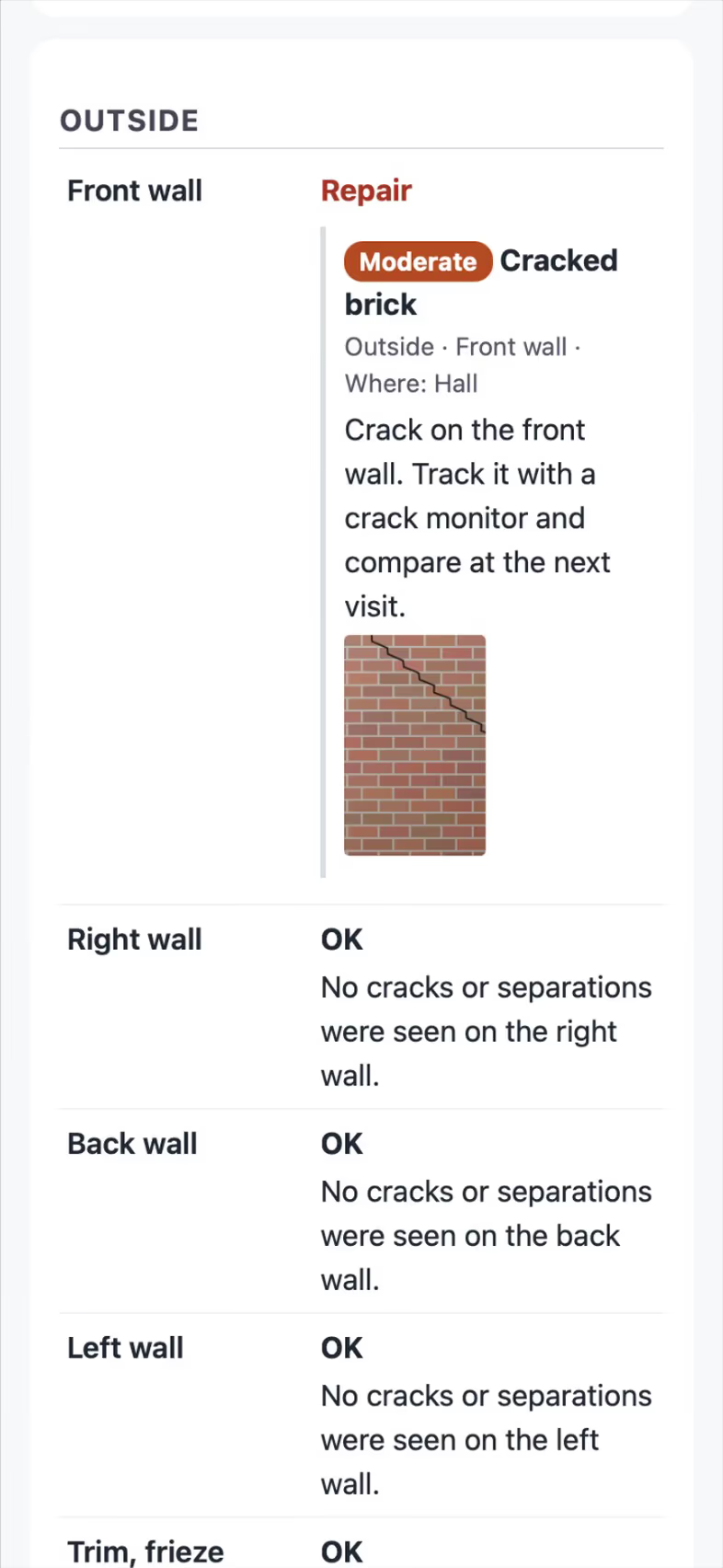
Trade pack partly included
The guided engine and TREC rating words work today. A ready-made home inspection template and the TREC REI 7-6 report layout are coming soon.
How the work runs, step by step
Home Inspection
Run guided inspections with photo findings and send the report at the door.
See the stepsInspectors
Guided checklists, photo findings, the Texas forms and the report sent on site.
See the stepsA Texas TREC home inspection
The REI 7-6 item by item on the phone, sent as TREC's own form.
See the stepsA Texas T-5 termite report
The TDA SPCS/T-5 in the form's order, with your diagram and the rules checked.
See the steps
User guides to start with
- Do a TREC home inspectionThe Texas REI 7-6 form item by item on the phone. The PDF is the form itself.6 min
- Run a guided inspectionA checklist in walking order with a Look, How and Report guide under each item. Works with no signal.6 min
- Send the inspection reportOne tap sends the web report and PDF to the portal, email and text.3 min
- Set up your trade and take its tourEach trade adds its services, visit types and a starter price book, then a short tour in the order that trade works.3 min
- Work every conversation from one inboxCalls, texts, picture texts, email and web chat on one thread per customer.3 min
- Send an inspection report or proposalFrom the visit to a signing link: findings, photos, your prices and the payment schedule.5 min
- Send invoices and collect paymentsSend invoices with a pay link, connect Stripe, and chase what is overdue.3 min
Related trades
Fire inspection
Run Pass / Fail checklists and pin each device on the plan.
Fire inspection softwareSite inspections and audits
Turn any audit into a guided checklist that works offline.
Site inspections and audits softwareInsurance restoration
Organize photo logs, scope and supplements the way adjusters read them.
Insurance restoration softwareAll 52 trades
Find yours, from foundation repair to pool service.
All trades
Comparing tools? FollowStack vs Spectora.
Questions
Does FollowStack print the TREC REI 7-6 form?
Not yet. That layout is coming soon. Today you can run your inspection with TREC rating words and send a web report and PDF.
Can I take payment before releasing the report?
You can send invoices with a pay page and agreements to sign from a link. Ask on the demo how to set up your order of steps.
See FollowStack on one of your own jobs
Bring an address you're bidding this week. We'll draw it and price it with you, live on the call.