On site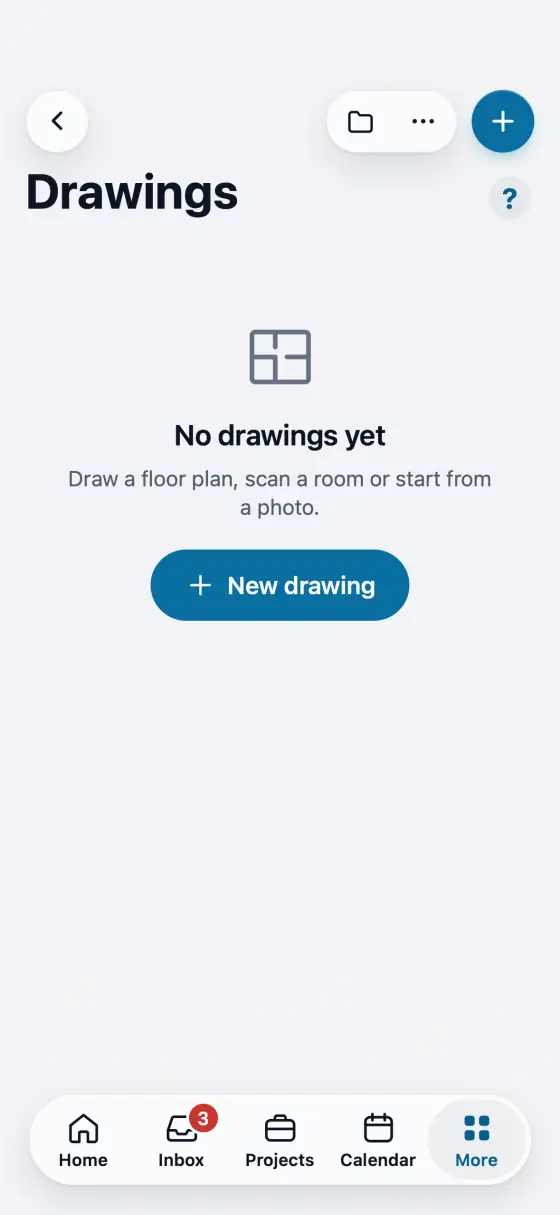
Scan the whole house with LiDAR Limited
One scan for the whole house on an iPhone or iPad Pro with LiDAR. Next room between rooms, Next floor upstairs.
Steps
In a drawing tap More, then Scan a room. Or pick Scan a room when you make a new drawing.
Do the whole house in one scan. Walk slowly along the walls of the first room.
When a room is done tap Next room. Keep the camera on and pointed ahead through the doorway. Upstairs, tap Next floor.
After the last room tap Finish. Keep square corners on and tap Add to drawing.
Two rooms on top of each other show in red. Drag that room into place, turn it with two fingers, then tap Place. Check two or three lengths with a tape.
In the app, open Help & guides and tap Show me: FollowStack points at each button as you go.
Related guides
- Run a guided inspection
- Send the inspection report
- Do a TREC home inspection
- Do a Texas wood destroying insect report
- Turn a plan picture into a drawing
- Place piers around the house
- Start a drawing from the address
- Elevation readings and the heat map
- A reference point for each area of the house
- Add stairs and porch steps
- Measure a roof and send the roof report
- Turn an area into materials with kits
- Record the products you apply
- Keep each home equipment and its service history
- Plan drainage and grading
- Fill the elevation survey by voice
- Track cracks over time
- The yearly follow-up visit
- Take and file job photos
- Make a 360 tour