How inspectors finish the report on the walk
Inspections run as guided checklists in walking order, with a Look, How and Report guide under each item. Photos become findings, a clean section takes one tap, and Send report goes out from the driveway.
Step by step
Arrive and set the scene
Weather, occupancy, utilities and the baseline photos come first, the way a report needs them.

Turn photos into findings
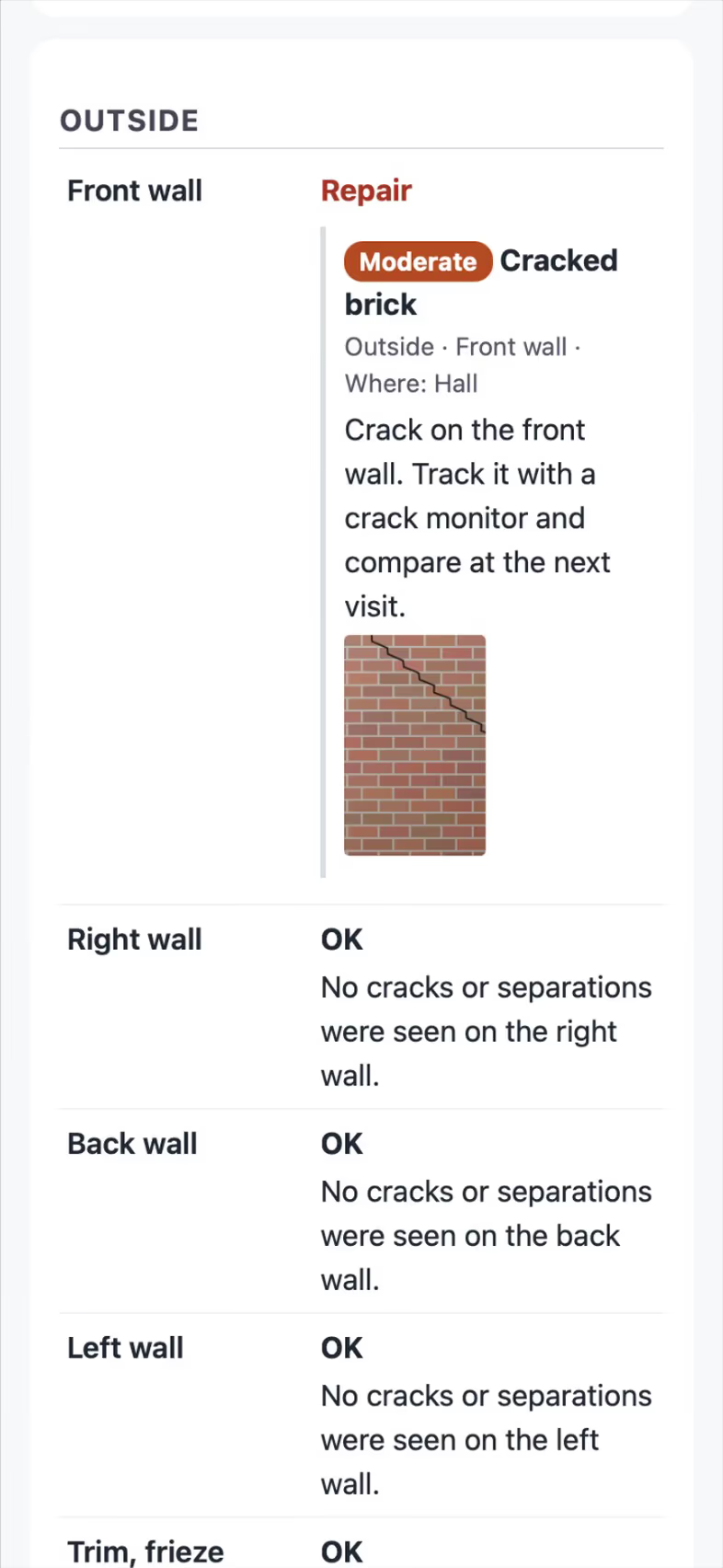
Take the photo and FollowStack proposes the item, the severity and the comment from your library. Say it lets you dictate instead of typing.

Keep shooting while photos upload
Each photo is saved on the phone and shows at once with a small uploading mark, so the camera is ready for the next one. Photos go up in the background two at a time, keep trying with no signal and never upload twice. A checklist waits for its photos before it goes out.

Use the Texas forms
Home inspectors get the TREC REI 7-6 and pest inspectors the TDA SPCS/T-5, each on the state's own form with its rules checked before it goes out.

Send the report from the driveway
Send report delivers the web report and the PDF to the portal, email and text, and each delivery is logged. A corrected report goes out with a Corrected banner and the first PDF kept.

Recorded in FollowStack with demo data. Names, addresses and numbers are made up. The AI words come from a test stand-in, written the way the real feature drafts them, and no real texts, calls or emails were sent.
The guides for it
Each guide in the FollowStack manual is a few short steps with a screenshot.
- Run a guided inspectionA checklist in walking order with a Look, How and Report guide under each item. Works with no signal.6 min
- Send the inspection reportOne tap sends the web report and PDF to the portal, email and text.3 min
- Do a TREC home inspectionThe Texas REI 7-6 form item by item on the phone. The PDF is the form itself.6 min
- Do a Texas wood destroying insect reportThe TDA SPCS/T-5 form line by line on the phone. The PDF is the department's own form, filled in.6 min
- Take and file job photosPhotos file themselves to the job. Mark them up, request photos from a customer, and find them on a map.3 min
- Draw a house plan in Field CADOutside walls with real lengths, rooms, doors and windows. The takeoff adds up as you draw.8 min
- Scan the whole house with LiDAROne scan for the whole house on an iPhone or iPad Pro with LiDAR. Next room between rooms, Next floor upstairs.6 min
- Make a 360 tour360 photos pinned on the plan with a direction arrow, hotspots room to room, and a link for the customer.4 min
- Book a visit for a leadOpen times follow the address and each inspector's day. Two or more inspectors can share one visit.3 min
Keep going
A Texas TREC home inspection
The REI 7-6 item by item on the phone, sent as TREC's own form.
See the stepsA Texas T-5 termite report
The TDA SPCS/T-5 in the form's order, with your diagram and the rules checked.
See the stepsField CAD drawings on site
Draw the house with typed lengths, measure the roof, and price it from the drawing.
See the steps
See FollowStack on one of your own jobs
Bring an address you're bidding this week. We'll draw it and price it with you, live on the call.