A Texas T-5 termite report filled on the phone
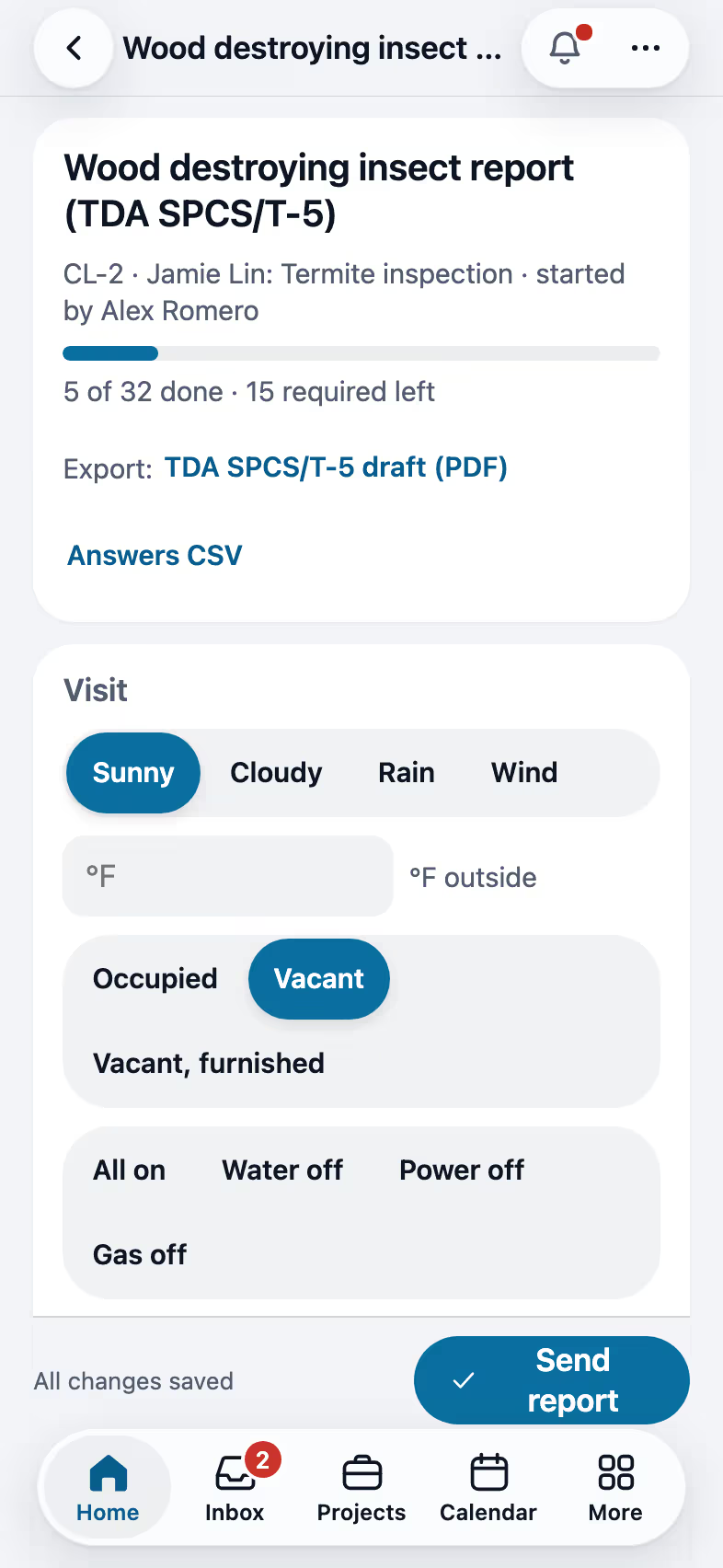
The TDA SPCS/T-5 wood destroying insect report runs as a checklist in the form's order. The PDF is the department's own pages filled in, with your Field CAD diagram, and the corrective treatment rule is checked before it goes out.
Step by step
Set up the licenses once
Your SPCS license number and type go in My profile, and the office adds the company's SPCS business license in Company profile. They print on the form with the inspection date and the address.

Answer the form in its own order
Who ordered the inspection and who gets the report, the structures, the foundation, siding and roof, any treatment or warranty, where you posted the notice and what you couldn't reach. Quick picks fill most lines in one tap. Photos never make you wait: each one shows at once and uploads in the background, even with a weak signal.

Draw the diagram in Field CAD
Draw the structures in Field CAD with their measurements and name the rooms. The drawing goes on the form's diagram page and the codes print on the plan by themselves. A room that 11G lists by name gets the code from your findings, or E when there are several, with a key of every code under the drawing. A drawing you already coded is left as you drew it. A big plan saved as a picture prints as the diagram too, without the codes, unless a crack on the job is hidden from the customer.

Fill the evidence table and send
For each insect you mark an active or previous infestation, a previous treatment, or none. Corrective treatment can be recommended only for an active infestation, or a previous one with no sign of treatment, and FollowStack checks that before the report goes out. You sign as the inspector, the purchaser signs or you mark them not here, and Send report delivers the PDF.

Recorded in FollowStack with demo data. Names, addresses and numbers are made up.
The guides for it
Each guide in the FollowStack manual is a few short steps with a screenshot.
- Do a Texas wood destroying insect reportThe TDA SPCS/T-5 form line by line on the phone. The PDF is the department's own form, filled in.6 min
- Draw a house plan in Field CADOutside walls with real lengths, rooms, doors and windows. The takeoff adds up as you draw.8 min
- Record the products you applyEach product on a visit with its EPA number, amount, where and the target, printed on the report and kept for inspections.3 min
- Run a guided inspectionA checklist in walking order with a Look, How and Report guide under each item. Works with no signal.6 min
- Send the inspection reportOne tap sends the web report and PDF to the portal, email and text.3 min
- Handle service calls and maintenance plansWarranty and repair tickets, and plans that schedule and bill their own visits.3 min
The features that do it
- Texas T-5 termite report
- Products applied
- Service tickets and maintenance agreements
- Guided inspections
- One-tap send
- Photos that never make you wait
Trades that work this way
Keep going
Inspectors
Guided checklists, photo findings, the Texas forms and the report sent on site.
See the stepsA Texas TREC home inspection
The REI 7-6 item by item on the phone, sent as TREC's own form.
See the stepsThe field crew
Today's jobs, the time clock and the camera, in the crew's own language.
See the steps
See FollowStack on one of your own jobs
Bring an address you're bidding this week. We'll draw it and price it with you, live on the call.