A Texas TREC home inspection done on the phone
FollowStack puts the REI 7-6 in your hand item by item, in the form's order, with the TREC Standards of Practice under each one. The PDF that goes to your client is TREC's own form, word for word.
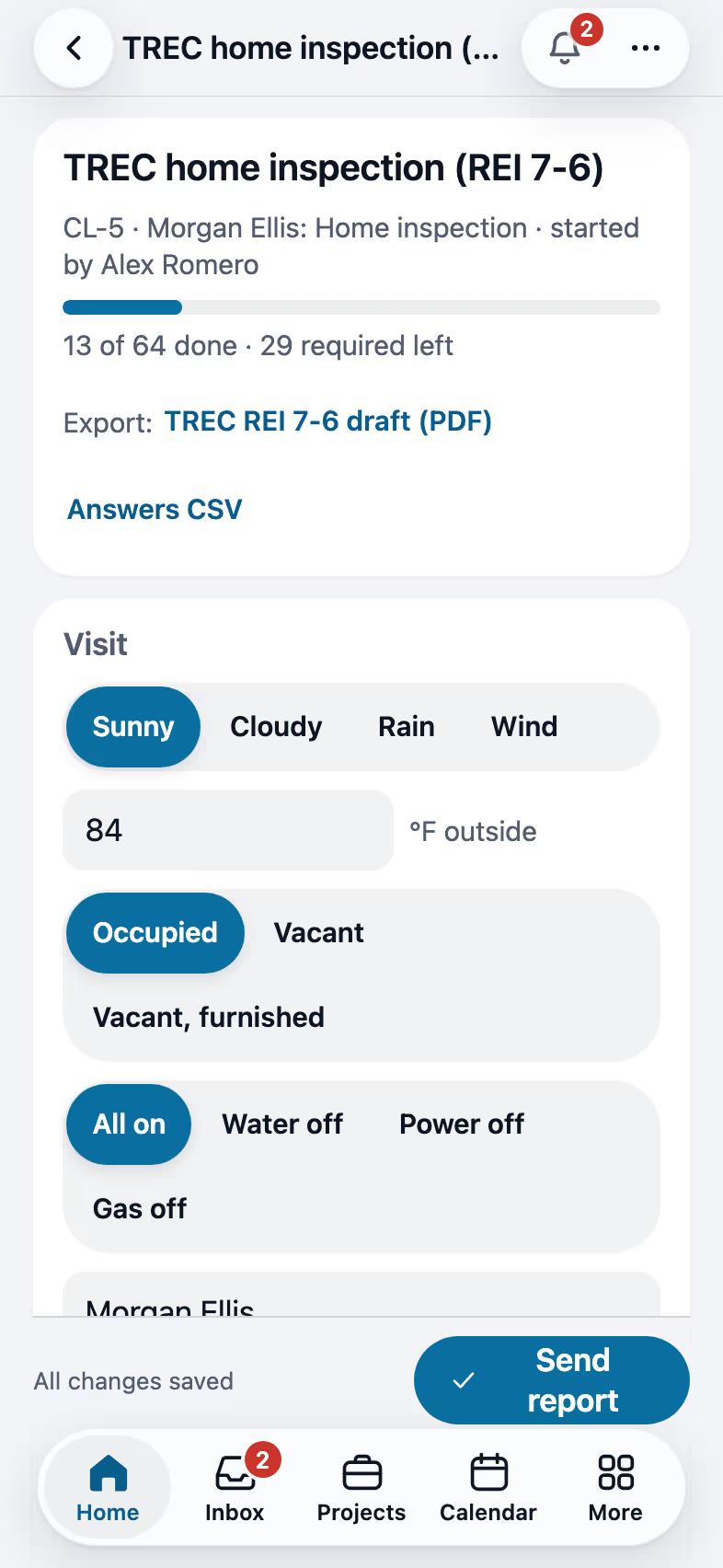
Step by step
Put your license in My profile
Your TREC license number, and your sponsor if you're sponsored, print on page 1 of the report with the client and the property. Nobody in the office retypes them.

Walk the items in the form's order
Each item shows what to look at and what to report from the Standards of Practice. Tick I, NI, NP or D, more than one when it applies, and keep a comment on every item. Lines like the type of foundation fill with one tap on a quick pick.

Mark a deficiency and keep going
Deficient puts D next to I and fills the standard comment from your library, which you can change. All good marks everything you haven't touched in a section as Inspected, with the standard comment. Photos never make you wait: each one shows at once and uploads in the background, even with a weak signal.

Send the report on TREC's own form
Send report first checks what TREC asks for, a box and a comment on every item, your license, the client and the address, and marks anything missing on the item. The PDF is the REI 7-6 word for word, with every page numbered.

Recorded in FollowStack with demo data. Names, addresses and numbers are made up.
The guides for it
Each guide in the FollowStack manual is a few short steps with a screenshot.
- Do a TREC home inspectionThe Texas REI 7-6 form item by item on the phone. The PDF is the form itself.6 min
- Run a guided inspectionA checklist in walking order with a Look, How and Report guide under each item. Works with no signal.6 min
- Send the inspection reportOne tap sends the web report and PDF to the portal, email and text.3 min
- Book a visit for a leadOpen times follow the address and each inspector's day. Two or more inspectors can share one visit.3 min
- Take and file job photosPhotos file themselves to the job. Mark them up, request photos from a customer, and find them on a map.3 min
- Using the app on a phoneThe bottom bar, More, pins, notifications and weak signal.2 min
The features that do it
- TREC REI 7-6 report
- Guided inspections
- Rating sets
- Say it
- One-tap send
- Corrected reports
- Offline inspections
- Photos that never make you wait
Trades that work this way
Keep going
Inspectors
Guided checklists, photo findings, the Texas forms and the report sent on site.
See the stepsA Texas T-5 termite report
The TDA SPCS/T-5 in the form's order, with your diagram and the rules checked.
See the stepsReal estate agents
A LiDAR floor plan, 360 tours, listing-prep notes and showings booked for you.
See the steps
See FollowStack on one of your own jobs
Bring an address you're bidding this week. We'll draw it and price it with you, live on the call.