Tree service software for storm calls and crew days
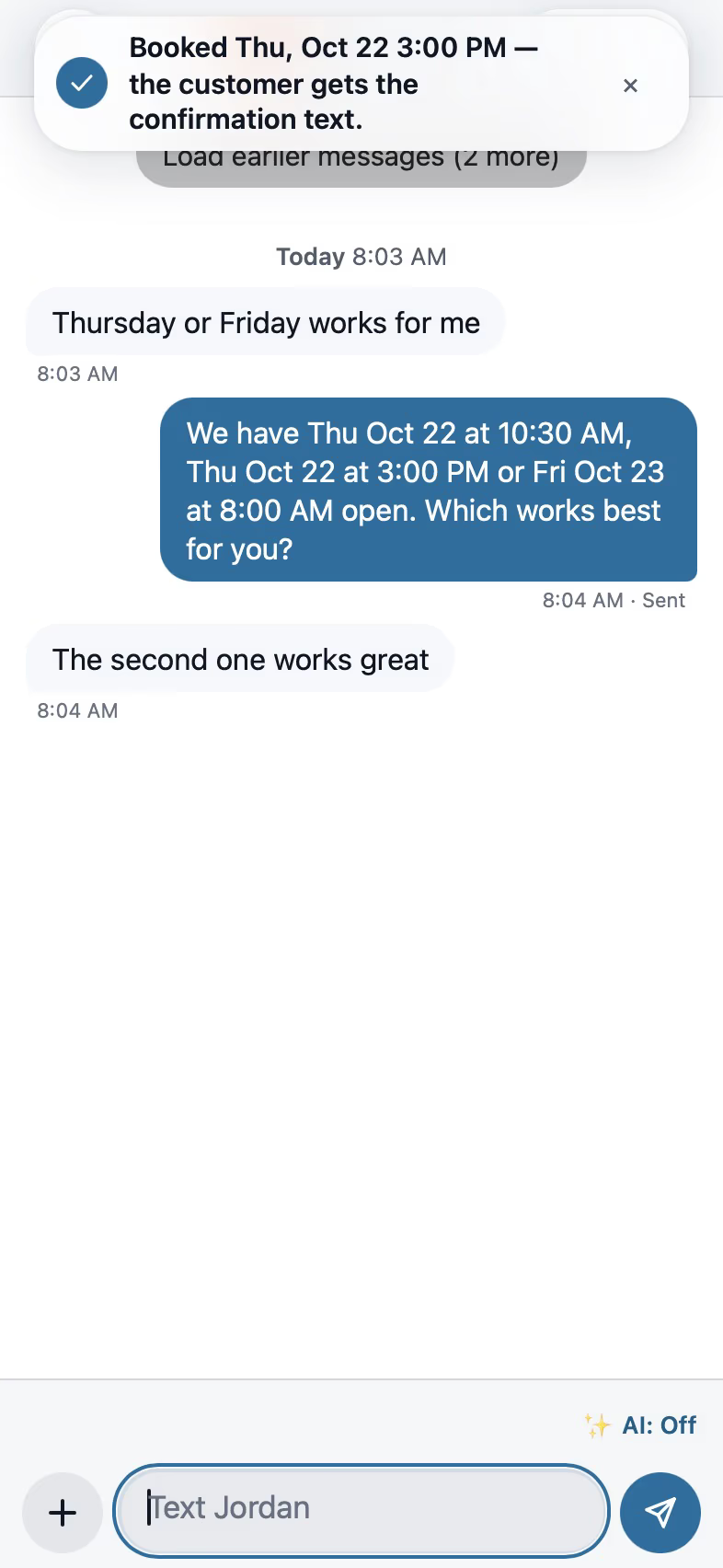
After a storm the phone doesn't stop. The tree service software answers, books the estimate at the right address and keeps the photos, the crew and the invoice with the job.
What you need to get done
- Handle storm-day call volume
- Quote removals from photos and the aerial
- Schedule crews and equipment
- Document before and after
How FollowStack does it
- AI receptionist
Storm calls get answered and booked while crews work.
Needs a connected phone line.AI front desk - Products applied
Spray and stump treatments keep the product, EPA number and amount.
Crews and jobs - Job photos
Before and after photos land on the job.
Crews and jobs - Texas811 ticket and dig date
Stump grinding gets the legal dig date before you dig.
Takeoffs and Roof mode
Trade pack partly included
Product records for spraying and stump treatment are included. A tree risk matrix is planned.
How the work runs, step by step
Tree Service
Answer the storm calls and quote removals from photos and the aerial.
See the stepsJob costing and reports for your CPA
What each job costs and earns, and the reports your accountant asks for, sent every month.
See the stepsCrews and scheduling
The office books the crews, and the crew runs the day on the phone.
See the stepsTexting and the digital receptionist
One inbox for texts, calls and chat, calls that book the visit, and a receptionist that answers when nobody can.
See the steps
User guides to start with
- Let the digital receptionist answerIt answers, asks for the address first, books on the right person's calendar and never quotes a price.4 min
- Record the products you applyEach product on a visit with its EPA number, amount, where and the target, printed on the report and kept for inspections.3 min
- Take and file job photosPhotos file themselves to the job. Mark them up, request photos from a customer, and find them on a map.3 min
- Set up your trade and take its tourEach trade adds its services, visit types and a starter price book, then a short tour in the order that trade works.3 min
- Work every conversation from one inboxCalls, texts, picture texts, email and web chat on one thread per customer.3 min
- Send an inspection report or proposalFrom the visit to a signing link: findings, photos, your prices and the payment schedule.5 min
- Send invoices and collect paymentsSend invoices with a pay link, connect Stripe, and chase what is overdue.3 min
Related trades
Landscaping
Start from the lot at the address and price beds and sod with kits.
Landscaping softwareLawn care and maintenance
Set up recurring visits that schedule and bill on their own, with an after photo each time.
Lawn care and maintenance softwareIrrigation and sprinklers
Check irrigation systems zone by zone and run spring start-ups and winterizations.
Irrigation and sprinklers softwareDrainage and grading
Give each drain run a fall check and show the water flow before and after.
Drainage and grading softwareAll 52 trades
Find yours, from foundation repair to pool service.
All trades
Comparing tools? FollowStack vs ArcSite.
See FollowStack on one of your own jobs
Bring an address you're bidding this week. We'll draw it and price it with you, live on the call.