Pest control software for quarterly plans and inspections
Sell quarterly or every-other-month plans that schedule and bill on their own, and inspect with your own checklist. The pest control software answers every call while you work.
What you need to get done
- Sell and renew service plans
- Inspect and document findings
- Answer calls during route hours
- Bill without chasing
How FollowStack does it
- Service tickets and maintenance agreements
Plans run quarterly, every other month or 3 times a year.
Crews and jobs - Texas T-5 termite report
The TDA SPCS/T-5 termite report on the department's own form, with the codes from your findings printed on your diagram.
Inspections and reports - Products applied
Each treatment keeps the product, EPA Reg. No., amount, where and target, ready for a state inspection.
Crews and jobs - Guided inspections
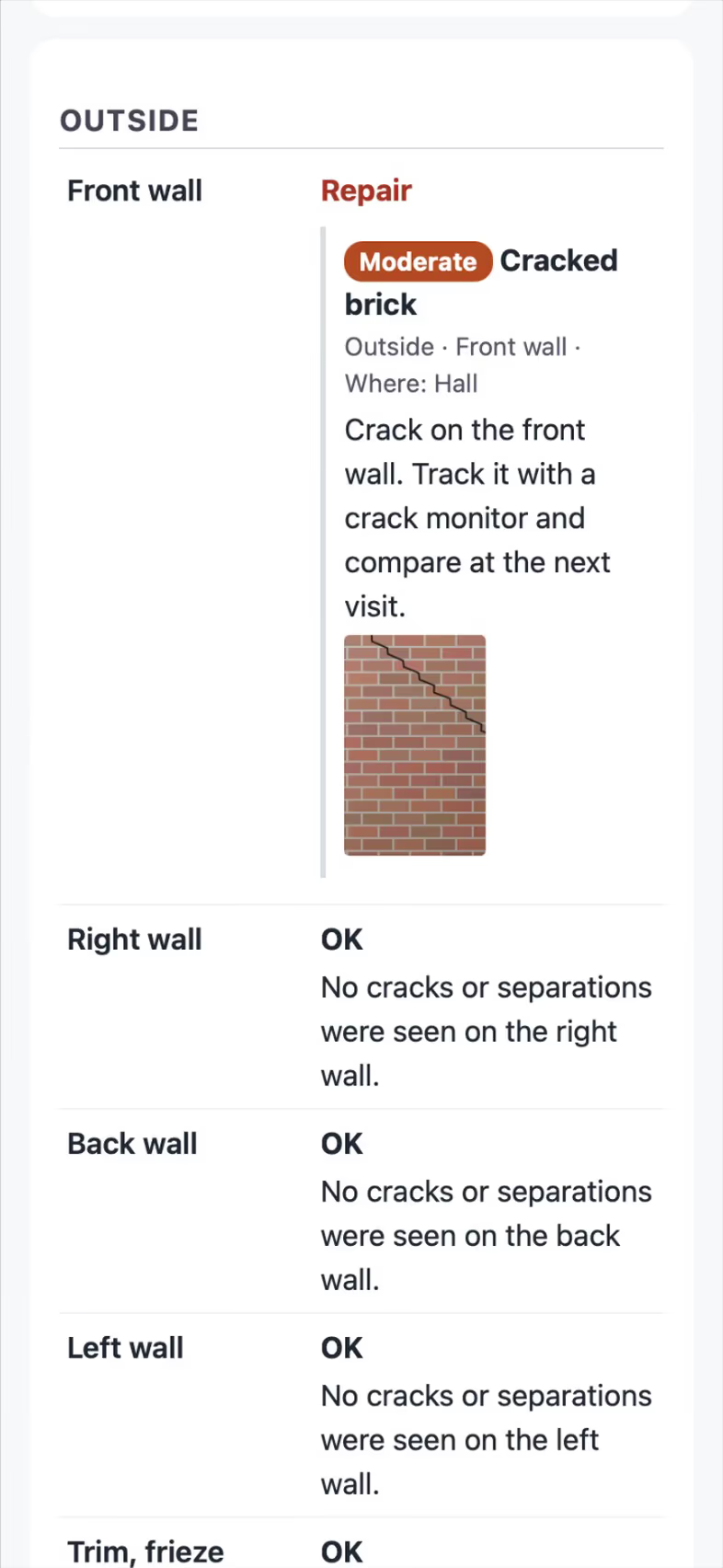
Build your inspection checklist with photo findings.
Inspections and reports - AI receptionist
The AI receptionist answers while your techs are on route.
Needs a connected phone line.AI front desk - Calls that book the visit
When you answer, the live transcript opens by itself, and a time you both agree on books the visit. The customer hears nothing until you tap Send confirmation.
AI front desk
Trade pack partly included
Product records with EPA numbers and the applicator license, and Best order for each route, are included. Texas T-5 form fill and bait stations are coming soon.
How the work runs, step by step
Pest Control
Sell quarterly plans that bill themselves and add photo findings to each inspection.
See the stepsInspectors
Guided checklists, photo findings, the Texas forms and the report sent on site.
See the stepsA Texas T-5 termite report
The TDA SPCS/T-5 in the form's order, with your diagram and the rules checked.
See the stepsJob costing and reports for your CPA
What each job costs and earns, and the reports your accountant asks for, sent every month.
See the steps
User guides to start with
- Handle service calls and maintenance plansWarranty and repair tickets, and plans that schedule and bill their own visits.3 min
- Do a Texas wood destroying insect reportThe TDA SPCS/T-5 form line by line on the phone. The PDF is the department's own form, filled in.6 min
- Record the products you applyEach product on a visit with its EPA number, amount, where and the target, printed on the report and kept for inspections.3 min
- Run a guided inspectionA checklist in walking order with a Look, How and Report guide under each item. Works with no signal.6 min
- Let the digital receptionist answerIt answers, asks for the address first, books on the right person's calendar and never quotes a price.4 min
- Set up how calls are answeredAnswer modes, ring order, recordings and the missed-call text.4 min
- Set up your trade and take its tourEach trade adds its services, visit types and a starter price book, then a short tour in the order that trade works.3 min
- Work every conversation from one inboxCalls, texts, picture texts, email and web chat on one thread per customer.3 min
Related trades
Handyman services
Run calls, bookings and payment for small jobs from your phone.
Handyman services softwarePressure washing and exterior cleaning
Quote from the satellite view and send before and after photos with the bill.
Pressure washing and exterior cleaning softwarePool service
Check off weekly stops with a photo and bill them on schedule.
Pool service softwareSeptic and aerobic systems
Keep three visits a year on schedule, with readings and a report each time.
Septic and aerobic systems softwareAll 52 trades
Find yours, from foundation repair to pool service.
All trades
Comparing tools? FollowStack vs Jobber.
See FollowStack on one of your own jobs
Bring an address you're bidding this week. We'll draw it and price it with you, live on the call.