A real estate floor plan app that answers your leads too
Scan the listing's floor plan with LiDAR and share a 360 tour and a 3D link. The real estate floor plan app also keeps agent observation notes with the listing-prep and showing guides, and the AI answers leads while you show homes.
What you need to get done
- Answer buyer and seller leads fast
- Create floor plans for listings
- Share virtual tours
- Prepare a listing with consistent notes
How FollowStack does it
- LiDAR whole-house scan
Walk the listing once with an iPhone Pro or iPad Pro and you have the floor plan.
Needs an iPhone Pro or iPad Pro with LiDAR and the installed app.Field CAD - 360 tours
360 tours move room to room with hotspots, and the links expire.
Field CAD - Guided inspections
The listing-prep and showing guides hold agent observation notes. They are not a property inspection.
Inspections and reports - AI receptionist
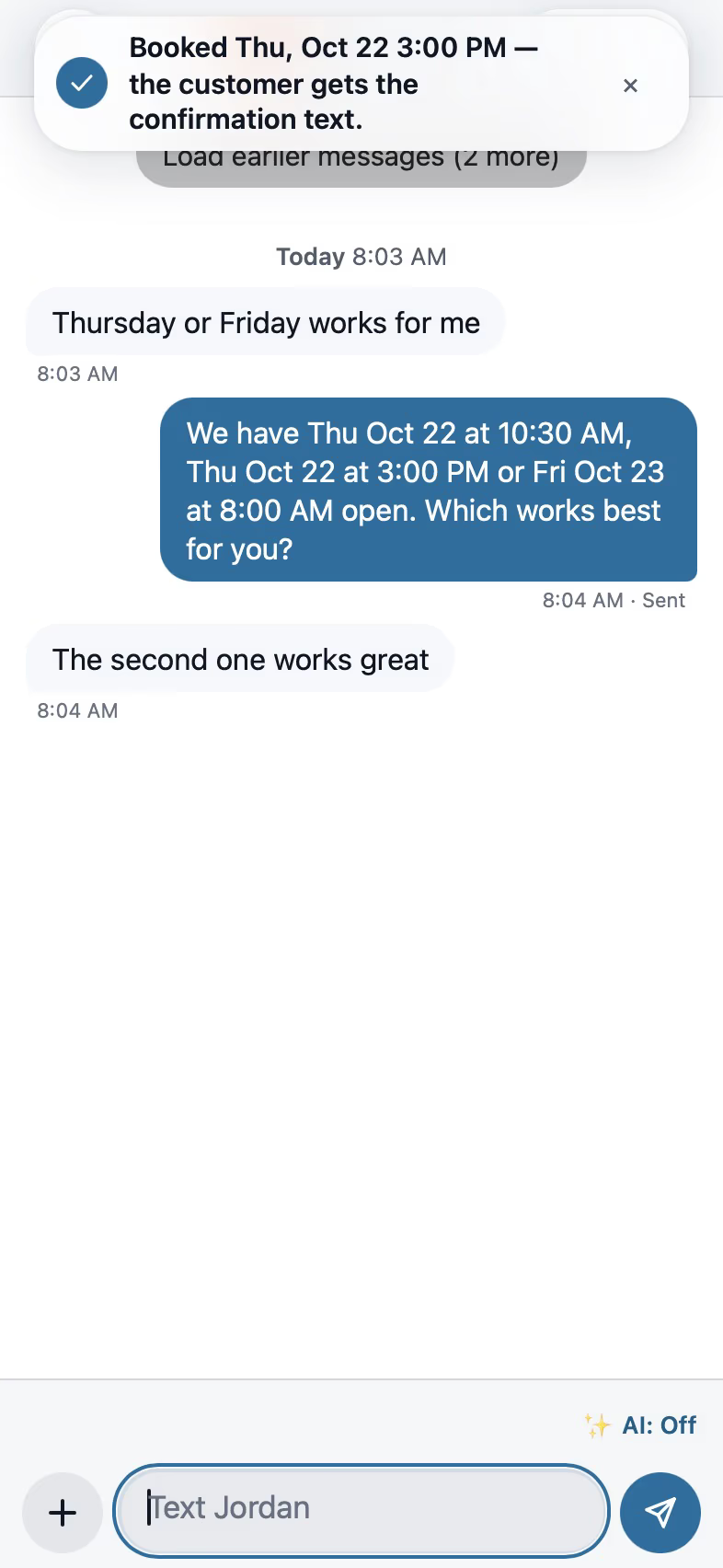
The AI receptionist answers and books showings while you're with a client.
Needs a connected phone line.AI front desk - Connected companies
When a contractor who uses FollowStack shares a repair job with you, you follow its progress, photos and estimates and can approve an estimate.
Customer portal - Property details and units
Each listing keeps its type, status, year built, size, parcel and your notes.
Customer portal
Trade pack partly included
The listing-prep and showing guides are included. An agent portal and a repair request builder are coming soon.
How the work runs, step by step
Real estate agents
A LiDAR floor plan, 360 tours, listing-prep notes and showings booked for you.
See the stepsJob costing and reports for your CPA
What each job costs and earns, and the reports your accountant asks for, sent every month.
See the stepsCrews and scheduling
The office books the crews, and the crew runs the day on the phone.
See the stepsTexting and the digital receptionist
One inbox for texts, calls and chat, calls that book the visit, and a receptionist that answers when nobody can.
See the steps
User guides to start with
- Scan the whole house with LiDAROne scan for the whole house on an iPhone or iPad Pro with LiDAR. Next room between rooms, Next floor upstairs.6 min
- Make a 360 tour360 photos pinned on the plan with a direction arrow, hotspots room to room, and a link for the customer.4 min
- Run a guided inspectionA checklist in walking order with a Look, How and Report guide under each item. Works with no signal.6 min
- Let the digital receptionist answerIt answers, asks for the address first, books on the right person's calendar and never quotes a price.4 min
- Set up your properties, units and portfoliosBring in your buildings and units from a spreadsheet, keep each property's details and insurance, and group properties into portfolios.4 min
- Set up your trade and take its tourEach trade adds its services, visit types and a starter price book, then a short tour in the order that trade works.3 min
- Work every conversation from one inboxCalls, texts, picture texts, email and web chat on one thread per customer.3 min
- Send an inspection report or proposalFrom the visit to a signing link: findings, photos, your prices and the payment schedule.5 min
Free checklists for real estate agents
- Free PDF · 10 items
Listing preparation checklist
A free listing prep checklist for real estate agents: access and utilities, safety and papers. Agent observation notes, not a property inspection.
Get the listing preparation checklist - Free PDF · 13 items
Home showing checklist
A free home showing checklist: outside, inside, systems and questions to ask. Agent observation notes, not a property inspection. English and Spanish.
Get the home showing checklist
Related trades
Property managers
Track service requests and recurring maintenance, with photos from tenants by link.
Property managers softwareArchitects and designers
Capture existing conditions with LiDAR and export the model as GLB.
Architects and designers softwareAll 52 trades
Find yours, from foundation repair to pool service.
All trades
Comparing tools? FollowStack vs CompanyCam.
Also see the room scanning app page.
See FollowStack on one of your own jobs
Bring an address you're bidding this week. We'll draw it and price it with you, live on the call.