How real estate agents use FollowStack on a listing
Walk the listing once with an iPhone Pro or iPad Pro and you have the floor plan. Add 360 tours that move room to room, keep your listing-prep notes, and let the digital receptionist answer and book showings while you're with a client. When a contractor who uses FollowStack shares a repair job with you, you follow it live.
Step by step
Scan the listing for the floor plan
On an iPhone Pro or iPad Pro with LiDAR, one scan covers the whole house, room after room and floor after floor. The result is a Field CAD floor plan you can measure and share in 3D.
Share 360 tours
360 photos sit on the plan with a direction arrow and move room to room with hotspots, and the link you share expires when you choose.
Keep listing-prep notes
The listing-prep and showing guides hold your observation notes as the agent. They are not a property inspection.
Answer leads and book showings
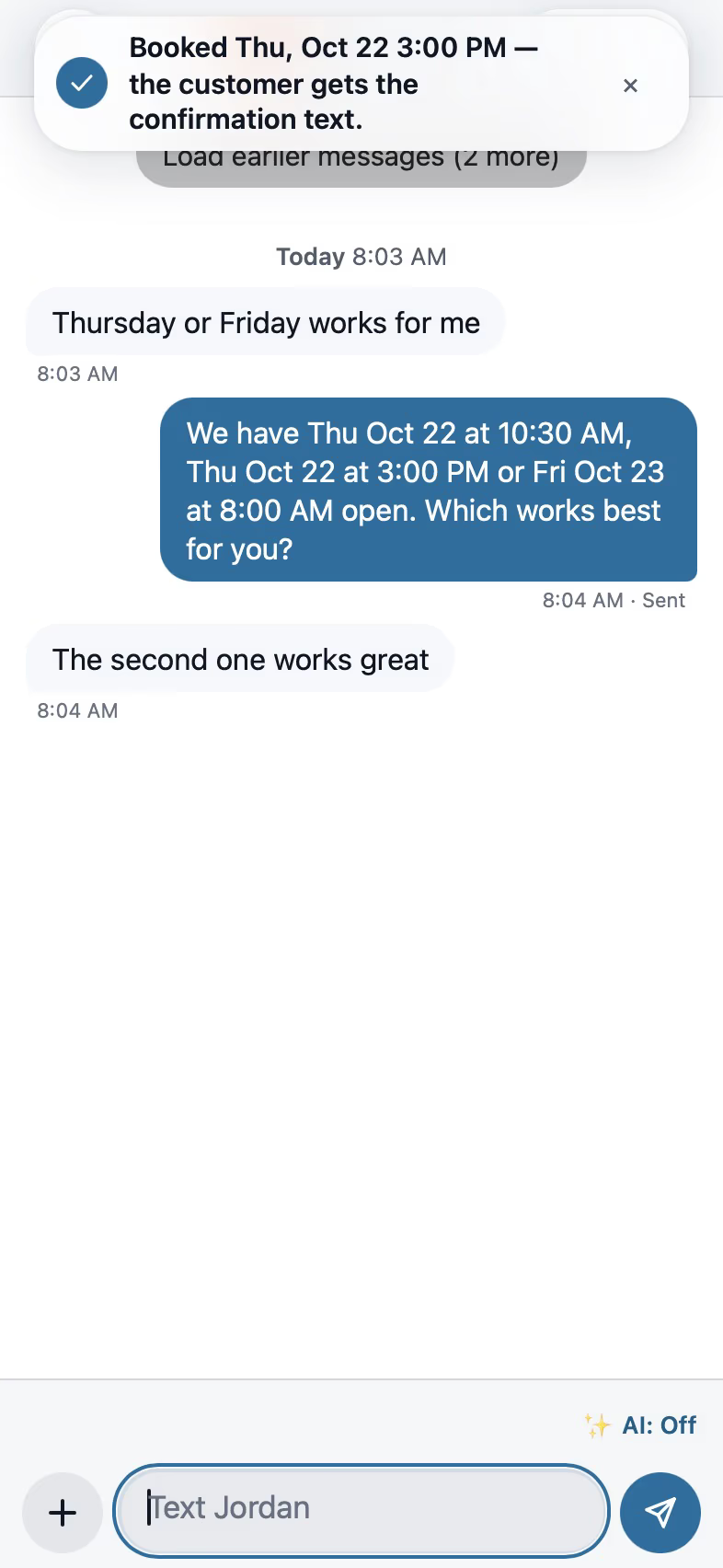
The digital receptionist answers calls and books showings on your calendar while you're with a client, and each text gets a suggested reply that waits for your tap.

Follow the repairs on a listing
Connect with the contractors you work with who use FollowStack. When they share a job, you see its progress, the photos they marked for the customer and the estimates they sent, and a request you send lands in their account as a new lead. Tap Approve on an estimate and they see it on their job right away.

Keep each listing's address in Properties
Each address keeps its people, jobs, photos and documents together, so a house you worked last year still has its plan and photos. Its details hold the type, year built, size, parcel, your notes and the status, such as listed for sale, under contract or sold.

Recorded in FollowStack with demo data. Names, addresses and numbers are made up. The AI words come from a test stand-in, written the way the real feature drafts them, and no real texts, calls or emails were sent.
The guides for it
Each guide in the FollowStack manual is a few short steps with a screenshot.
- Scan the whole house with LiDAROne scan for the whole house on an iPhone or iPad Pro with LiDAR. Next room between rooms, Next floor upstairs.6 min
- Make a 360 tour360 photos pinned on the plan with a direction arrow, hotspots room to room, and a link for the customer.4 min
- Show the drawing in 3D and share itOne tap shows the plan in 3D, live from 2D. Send the customer a 3D link you can turn off.2 min
- Run a guided inspectionA checklist in walking order with a Look, How and Report guide under each item. Works with no signal.6 min
- Let the digital receptionist answerIt answers, asks for the address first, books on the right person's calendar and never quotes a price.4 min
- Offer open times and book from a textPut real open times in the text. When they pick one, book it in one tap.2 min
- Share your online booking pageCustomers book a visit themselves. The address comes first, so the times work for the route.3 min
- Give the homeowner a home record packetThe install log, plan pins, photos and movement history, ready to hand a buyer.3 min
- Share a job with a property manager or investorConnect with a company you work with, then share a job. They see its progress, the customer photos and sent estimates live, never your costs or notes.3 min
- Send requests to your pros and approve their estimatesFor property managers, investors and realtors. A request lands in the pro’s FollowStack as a new lead. Over your limit, the owner approves by text first.3 min
- Set up your properties, units and portfoliosBring in your buildings and units from a spreadsheet, keep each property's details and insurance, and group properties into portfolios.4 min
Keep going
Real estate investors
Live progress and photos from your contractors, requests that land as leads, one-tap approvals for estimates and repairs, and your properties in portfolios.
See the stepsTexting and the digital receptionist
One inbox for texts, calls and chat, calls that book the visit, and a receptionist that answers when nobody can.
See the stepsA Texas TREC home inspection
The REI 7-6 item by item on the phone, sent as TREC's own form.
See the steps
See FollowStack on one of your own jobs
Bring an address you're bidding this week. We'll draw it and price it with you, live on the call.