A day of foundation repair work with FollowStack
Run the evaluation, the elevation survey and the pier plan on site, then come back every year. Here is how a day runs once FollowStack is set up for foundation repair, on the screens a new foundation repair company starts with.
Step by step
The company starts set up for foundation repair
A new foundation repair company starts with its services, foundation evaluation, pier installation and house leveling, along with the visit types it books, its pipeline stages and a starter price book. There is nothing to build before the first customer calls.

Take the foundation repair tour
The tour lists 11 short steps in the order foundation repair work goes. Show me on any step opens the real screen and walks it with you, so the office and the crew learn it on their own.

The inspection gets booked
The digital receptionist and your booking page ask for the address first and offer open times that fit each inspector's day, then book the inspection. When you answer a call yourself, the live transcript opens by itself, and a time you both clearly agree on books the visit, with the customer told only when you tap Send confirmation.

Inspect with the checklist
The foundation evaluation comes with the trade. It runs in walking order on the phone, a photo can become a finding, and All good rates a clean section in one tap. Photos never make the inspector wait: each one shows at once and uploads in the background, even with a weak signal.

Send the report from the driveway
Send report delivers the web report and the PDF to the customer by email and text, and each delivery is logged.

Price the work that follows
The starter price book lists steel pier, pier installation, drainage and engineer letter, so the proposal for the work can go out the same day.

Recorded in FollowStack with demo data. Names, addresses and numbers are made up. The AI words come from a test stand-in, written the way the real feature drafts them, and no real texts, calls or emails were sent.
The guides for it
Each guide in the FollowStack manual is a few short steps with a screenshot.
- Let the digital receptionist answerIt answers, asks for the address first, books on the right person's calendar and never quotes a price.4 min
- Book a visit for a leadOpen times follow the address and each inspector's day. Two or more inspectors can share one visit.3 min
- Run a guided inspectionA checklist in walking order with a Look, How and Report guide under each item. Works with no signal.6 min
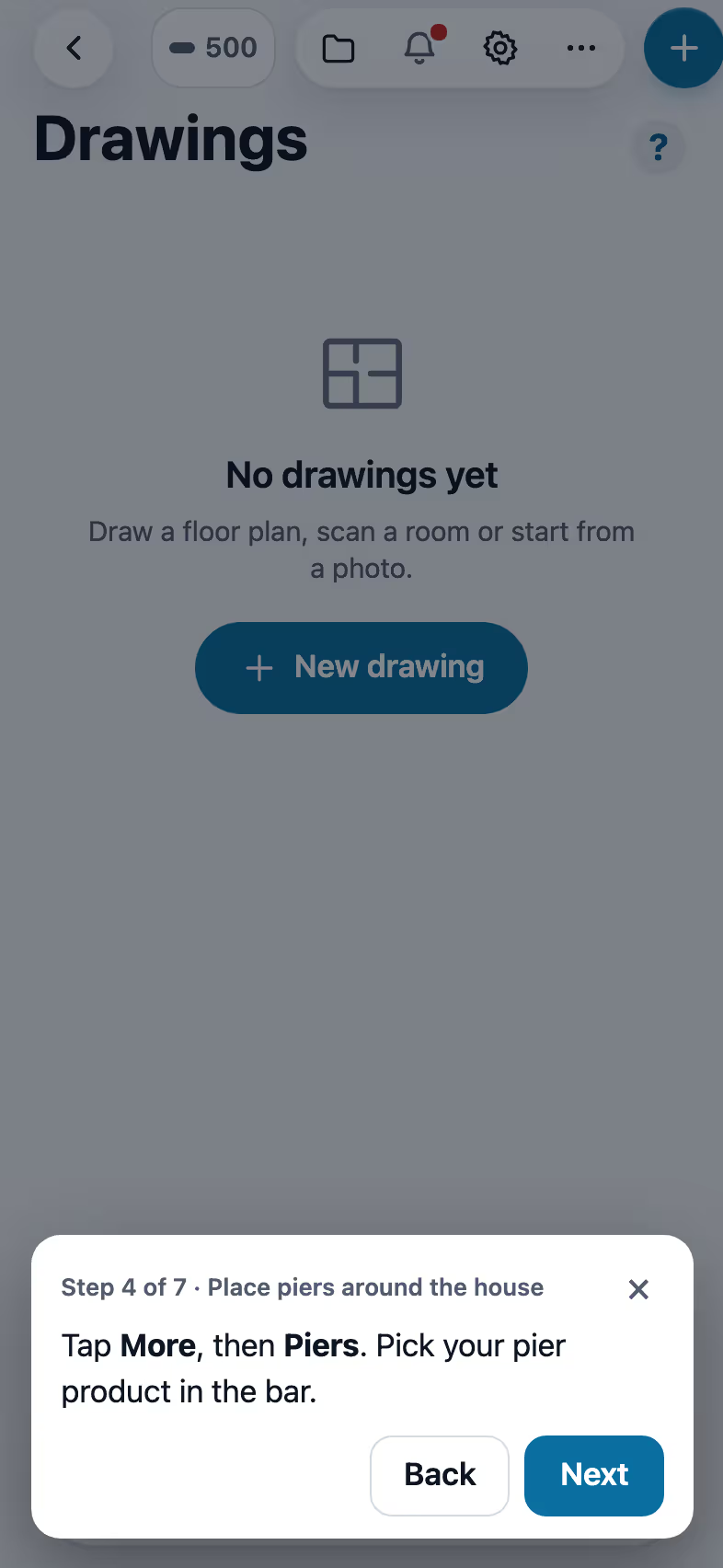
- Place piers around the houseYour own pier products, every N feet around the outline or in a row on a beam line, in a few taps.5 min
- Track cracks over timeEach crack keeps its widths. You decide if the customer sees it.4 min
- The yearly follow-up visitA check-up a year after the job, opening on last year's spots, with movement over time.3 min
- Draw a house plan in Field CADOutside walls with real lengths, rooms, doors and windows. The takeoff adds up as you draw.8 min
- Send the inspection reportOne tap sends the web report and PDF to the portal, email and text.3 min
- Send an inspection report or proposalFrom the visit to a signing link: findings, photos, your prices and the payment schedule.5 min
- Send invoices and collect paymentsSend invoices with a pay link, connect Stripe, and chase what is overdue.3 min
- Ask for reviewsA short survey first, then the same review buttons for everyone. Never twice in 180 days.3 min
Keep going
Inspectors
Guided checklists, photo findings, the Texas forms and the report sent on site.
See the stepsThe customer portal and payments
A portal for each customer, signatures on the phone, deposits and invoices.
See the stepsA call turned into a signed proposal
The missed call gets a text, the visit is booked near the address, and the proposal is signed on site.
See the steps
See FollowStack on one of your own jobs
Bring an address you're bidding this week. We'll draw it and price it with you, live on the call.