Get paid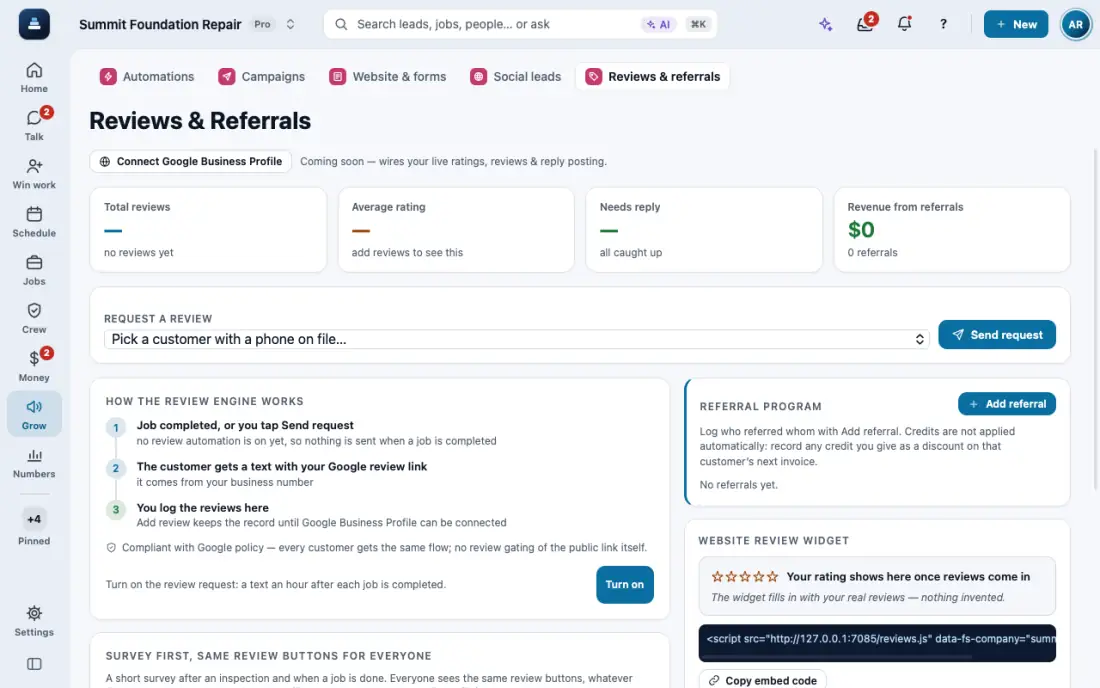
Ask for reviews
A short survey first, then the same review buttons for everyone. Never twice in 180 days.
Steps
Open Reviews & referrals and tap Connect Google Business Profile.
Tap Request a review, pick the customer and tap Send request.
To keep asking the people who haven't left a review, turn on Remind people who haven't left a review. Pick how many reminders and the days between. The list below shows who you asked and has Remind now, Left a review and Stop asking. Or ask the AI: "who did I ask for a review that hasn't left one?"
Every customer sees the same review buttons, whatever they answer in the survey. Nobody is asked twice in 180 days.
In the app, open Help & guides and tap Show me: FollowStack points at each button as you go.