Window and door contractor software that draws the openings and shows the options
Draw the walls with every door and window, offer three options and show the monthly payment. The window and door contractor software takes the deposit when they sign, and siding jobs work the same way.
What you need to get done
- Measure walls and openings
- Present options with financing
- Close on the first visit
- Schedule the install crew
How FollowStack does it
- Drawing hints
Doors and windows tap onto the walls, and you type each length on the keypad.
Field CAD - Good, Better, Best
The proposal offers three options, so the customer can pick the upgrade.
Proposals and payments - Customer financing
Financing shows as "as low as" monthly pricing from your lender's link.
Works with your own lender's link.Proposals and payments - Deposits
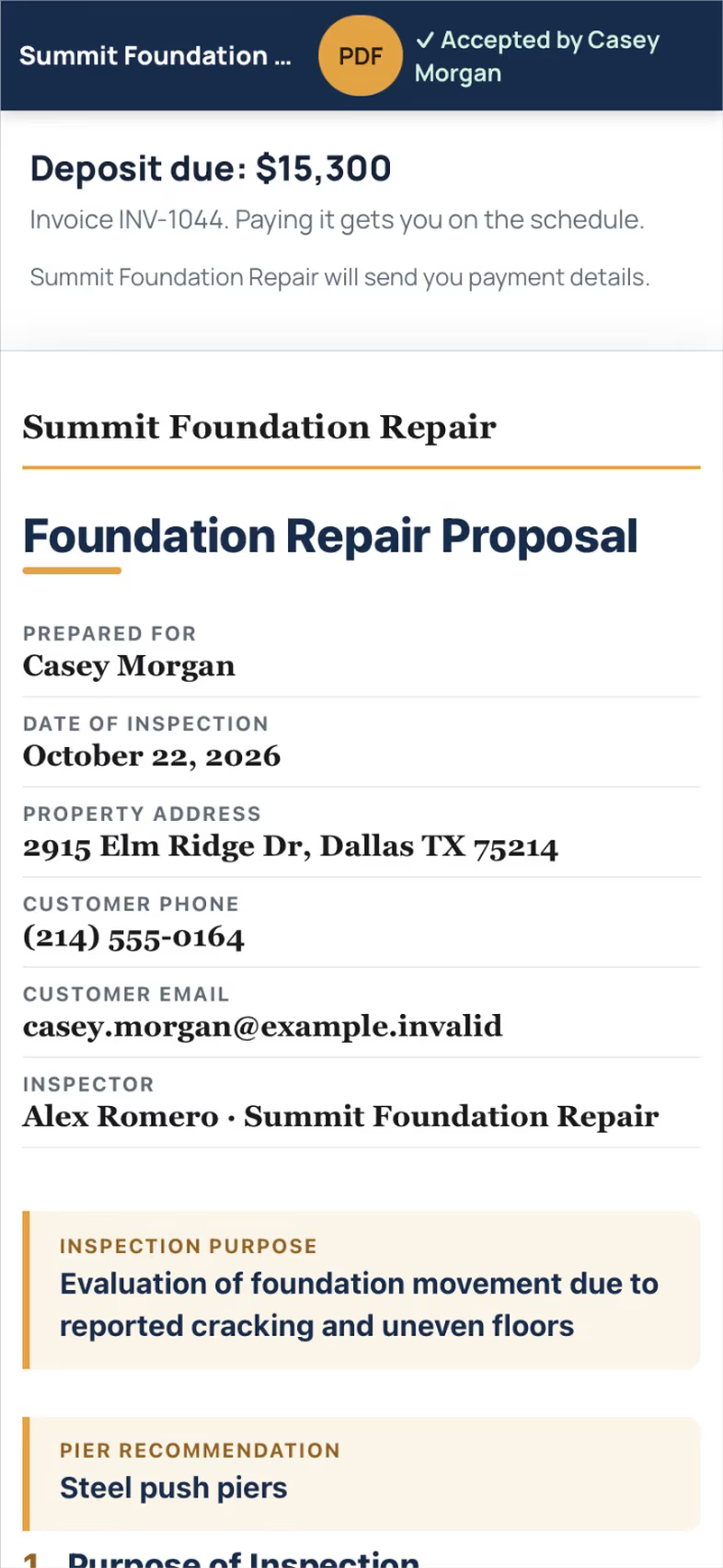
Take the deposit at signing and invoice the balance when the install is done.
Proposals and payments
Trade pack coming soon
A window and siding schedule from the drawing is coming soon.
How the work runs, step by step
Siding, Windows and Doors
Draw the walls with every opening and take the deposit when the customer signs.
See the stepsJob costing and reports for your CPA
What each job costs and earns, and the reports your accountant asks for, sent every month.
See the stepsCrews and scheduling
The office books the crews, and the crew runs the day on the phone.
See the stepsTexting and the digital receptionist
One inbox for texts, calls and chat, calls that book the visit, and a receptionist that answers when nobody can.
See the steps
User guides to start with
- Offer three price optionsSend three options from the drawing. The customer picks one when they sign.3 min
- Financing, payment plans and milestone billing"As low as" monthly prices from your lender, installments on a saved card, and bills as the job moves.4 min
- Take a deposit and invoice the balanceA deposit at signing, the balance at completion, and nothing slips.4 min
- Set up your trade and take its tourEach trade adds its services, visit types and a starter price book, then a short tour in the order that trade works.3 min
- Work every conversation from one inboxCalls, texts, picture texts, email and web chat on one thread per customer.3 min
- Send an inspection report or proposalFrom the visit to a signing link: findings, photos, your prices and the payment schedule.5 min
- Send invoices and collect paymentsSend invoices with a pay link, connect Stripe, and chase what is overdue.3 min
Related trades
Roofing
Measure the roof yourself and send a branded roof report with options.
Roofing softwareGutters
Size gutter runs to local rainfall and price them from the drawing.
Gutters softwarePainting
Measure rooms with a scan and price the job from your own rates.
Painting softwareSolar and energy
Answer the lead first, then trace the roof and its pitch.
Solar and energy softwareAll 52 trades
Find yours, from foundation repair to pool service.
All trades
Comparing tools? FollowStack vs Roofr.
Also see the roofing CRM page.
See FollowStack on one of your own jobs
Bring an address you're bidding this week. We'll draw it and price it with you, live on the call.