Build the insurance package
Claim details, a photo log by room or slope, a scope sheet in your codes and an adjuster link. Documentation only.
Steps
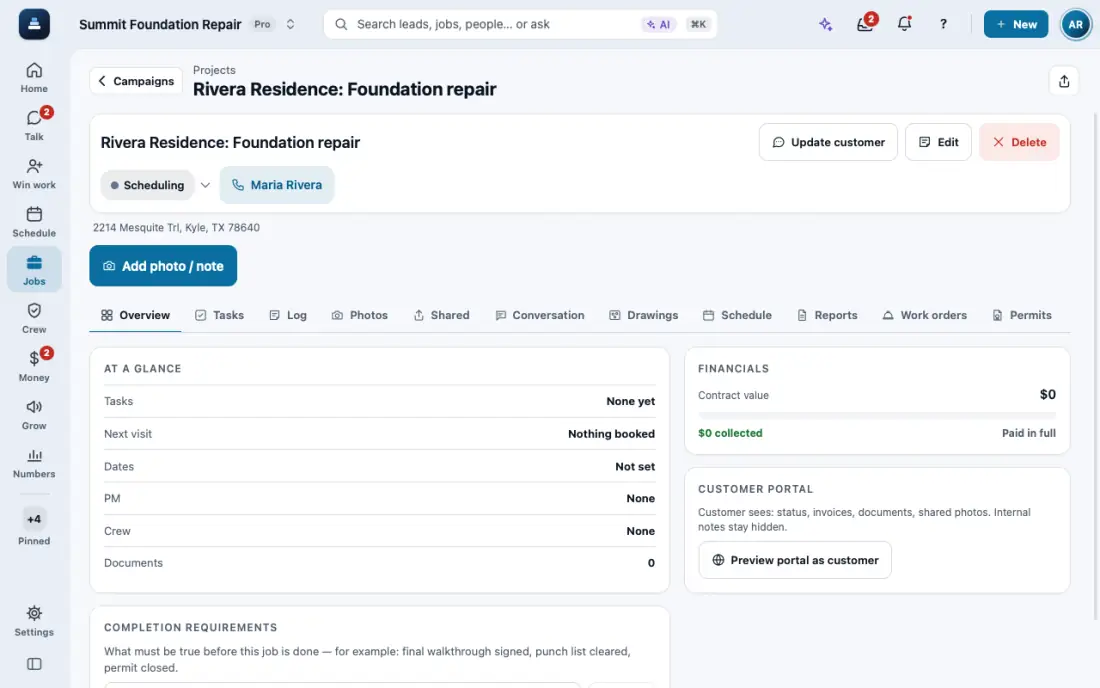
Open the job, then Insurance, and turn on Insurance job.
Fill the claim panel: claim number, insurance company, policy, date of loss, adjuster, deductible and mortgage. It saves itself. The contract then carries the Texas deductible notice when it is $1,000 or more.
The Photo log captions each photo from where it sits on the plan, with date, time and who. Download photos gives ZIP files named by room.
Make the Scope sheet with your own codes on price-book items, as a PDF or CSV. Each supplement adds a new revision with what changed and why.
Send the package PDF and the Adjuster link (good for 90 days). FollowStack documents the job; it does not handle the claim.
In the app, open Help & guides and tap Show me: FollowStack points at each button as you go.
Related guides
- Take and file job photos
- Measure a roof and send the roof report
- Send an inspection report or proposal
- Choose who the contract is made out to
- Copy or delete a proposal from the lead
- Present the proposal at the kitchen table
- Let FollowStack learn how you work
- Follow up when they read the proposal
- A fine foundation, drainage work or a repair
- Add your pier products
- Offer three price options
- Get the proposal signed
- Send the welcome email
- Take a deposit and invoice the balance
- Financing, payment plans and milestone billing