A day of moving work with FollowStack
Quote the move, take the deposit and schedule the crew and truck. Here is how a day runs once FollowStack is set up for moving, on the screens a new moving company starts with.
Step by step
The company starts set up for moving
A new moving company starts with its services, local move, long distance move and packing, along with the visit types it books, its pipeline stages and a starter price book. There is nothing to build before the first customer calls.

Take the moving tour
The tour lists 6 short steps in the order moving work goes. Show me on any step opens the real screen and walks it with you, so the office and the crew learn it on their own.

The job gets booked by text or online
Customers book a pickup on your page or by text, and the digital receptionist answers the calls you miss. Each request lands in one inbox with a suggested reply. When you answer a call yourself, the live transcript opens by itself, and a time you both clearly agree on books the visit, with the customer told only when you tap Send confirmation.

Quote it from your price book
The starter price book lists crew, truck and packing materials. You set your prices once and every quote uses them.

Dispatch the truck
Dispatch lists the day's jobs by crew and in order, and Best order trims the driving. The crew opens each job on the phone with directions, the time clock and the camera.

Get paid and ask for the review
Before and after photos file themselves to the job, the invoice goes out when the work is done, and the review request follows. Photos never make the crew wait: each one shows at once and uploads in the background, even with a weak signal.

Recorded in FollowStack with demo data. Names, addresses and numbers are made up. The AI words come from a test stand-in, written the way the real feature drafts them, and no real texts, calls or emails were sent.
The guides for it
Each guide in the FollowStack manual is a few short steps with a screenshot.
- Let the digital receptionist answerIt answers, asks for the address first, books on the right person's calendar and never quotes a price.4 min
- Share your online booking pageCustomers book a visit themselves. The address comes first, so the times work for the route.3 min
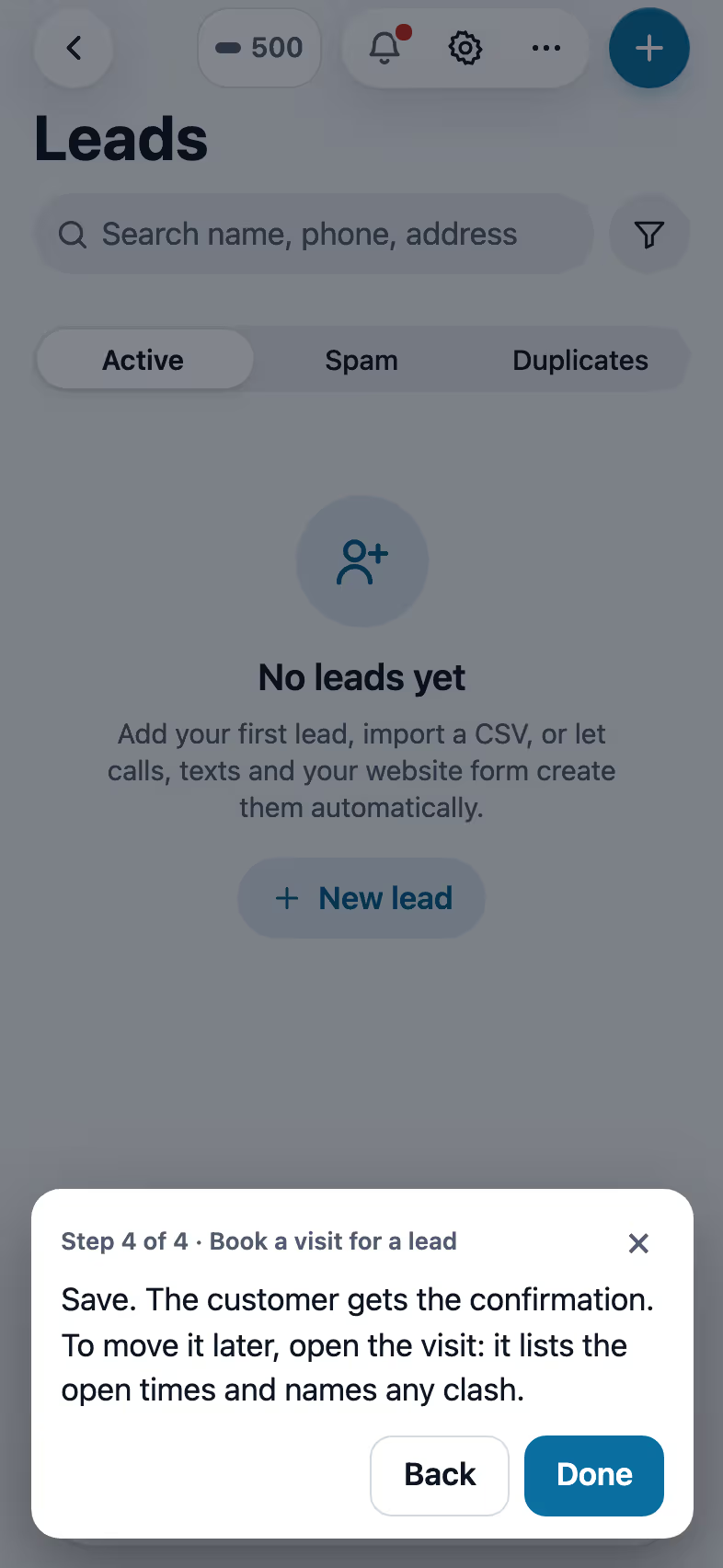
- Book a visit for a leadOpen times follow the address and each inspector's day. Two or more inspectors can share one visit.3 min
- Schedule crews and dispatchCrews, crew visits on a schedule, the dispatch board, and the rain delay.4 min
- Send invoices and collect paymentsSend invoices with a pay link, connect Stripe, and chase what is overdue.3 min
- Ask for reviewsA short survey first, then the same review buttons for everyone. Never twice in 180 days.3 min
Keep going
Crews and scheduling
The office books the crews, and the crew runs the day on the phone.
See the stepsTexting and the digital receptionist
One inbox for texts, calls and chat, calls that book the visit, and a receptionist that answers when nobody can.
See the stepsExport any list
Every list exports the way you filtered it, to Excel, Word, PDF or CSV.
See the steps
See FollowStack on one of your own jobs
Bring an address you're bidding this week. We'll draw it and price it with you, live on the call.