Get set up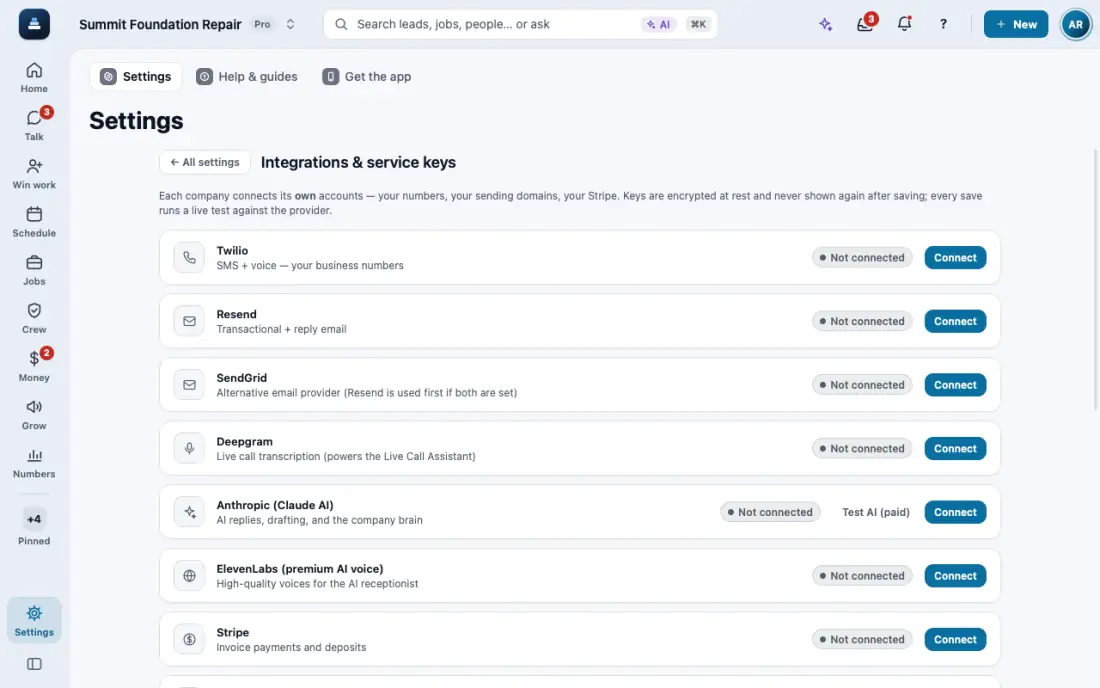
Get your business phone number
Set up a FollowStack number with texting, or connect the Twilio account you already have.
Steps
Open Settings, then Connections.
On the Twilio card, tap Set up my number. Pick the area code and we set up the line and the texting registration for you.
Already have Twilio? Connect your own account on the same card instead. Your numbers show in Settings, then Phone numbers.
Texting needs carrier approval. Number & texting status shows where it is. Calls work while you wait.
In the app, open Help & guides and tap Show me: FollowStack points at each button as you go.