Get set up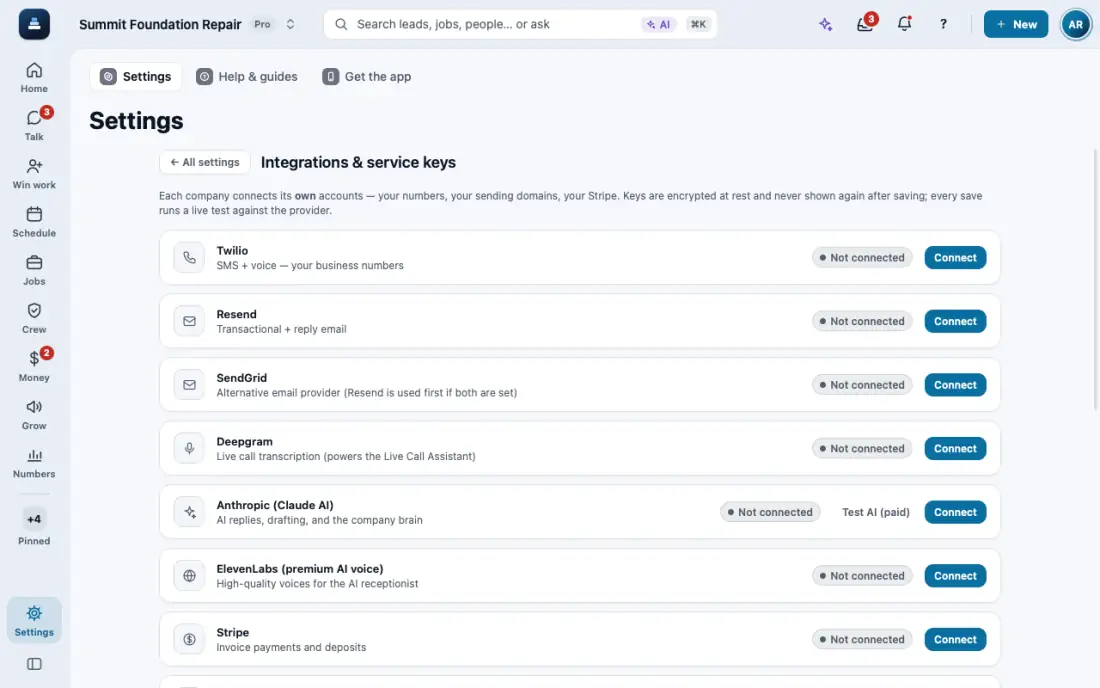
Send email in your company name
Email works from day one as "Your company via FollowStack". Replies come back to you.
Steps
You do not need to set anything up. Proposals, invoices and reminders go out as "Your company via FollowStack".
Replies go to your company email. Check it in your company profile (business phone and address) so customers reach you.
Want mail from your own domain? Settings, then Connections, then Resend.
There is a daily sending limit, and a spam complaint stops mail to that person. Both keep your name clean.
In the app, open Help & guides and tap Show me: FollowStack points at each button as you go.