Get set up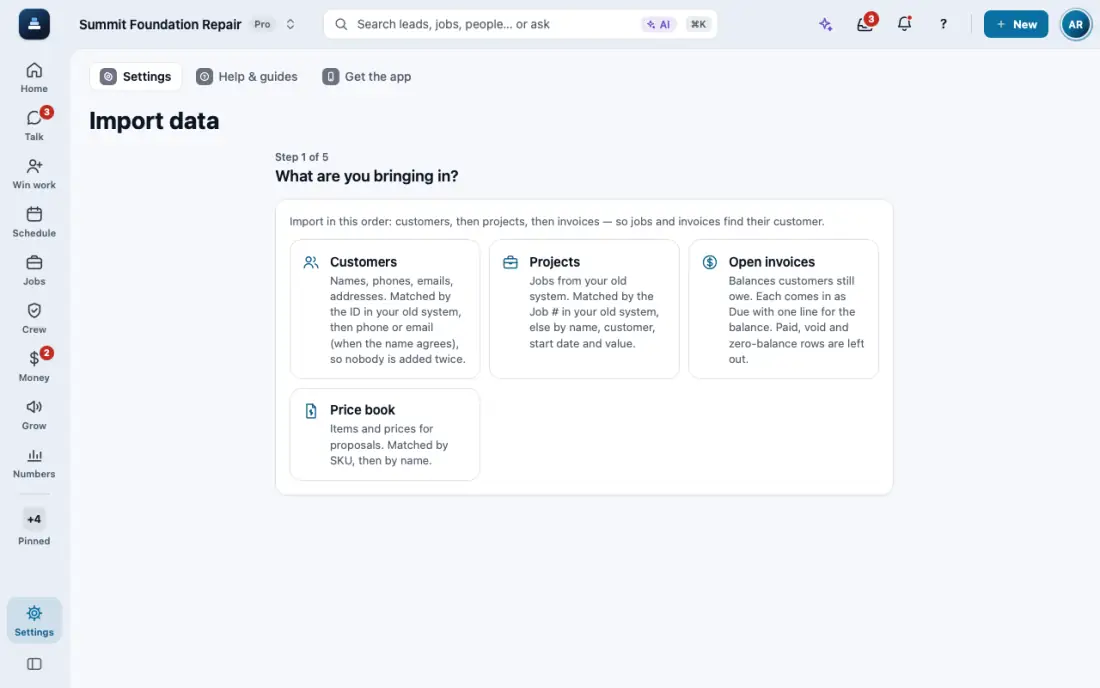
Bring your customers and prices over
Import a CSV from your old system: customers, projects, open invoices and your price book.
Steps
Open Import data. It is in the Settings menu.
Pick what you are bringing in: Customers, Projects, Open invoices, Price book or Properties and units.
Choose the CSV file. From Excel, save it as CSV first. Accents and Spanish names come through fine.
Check the columns. FollowStack matches them for you. Fix any match that looks wrong, then import.
In the app, open Help & guides and tap Show me: FollowStack points at each button as you go.