Get set up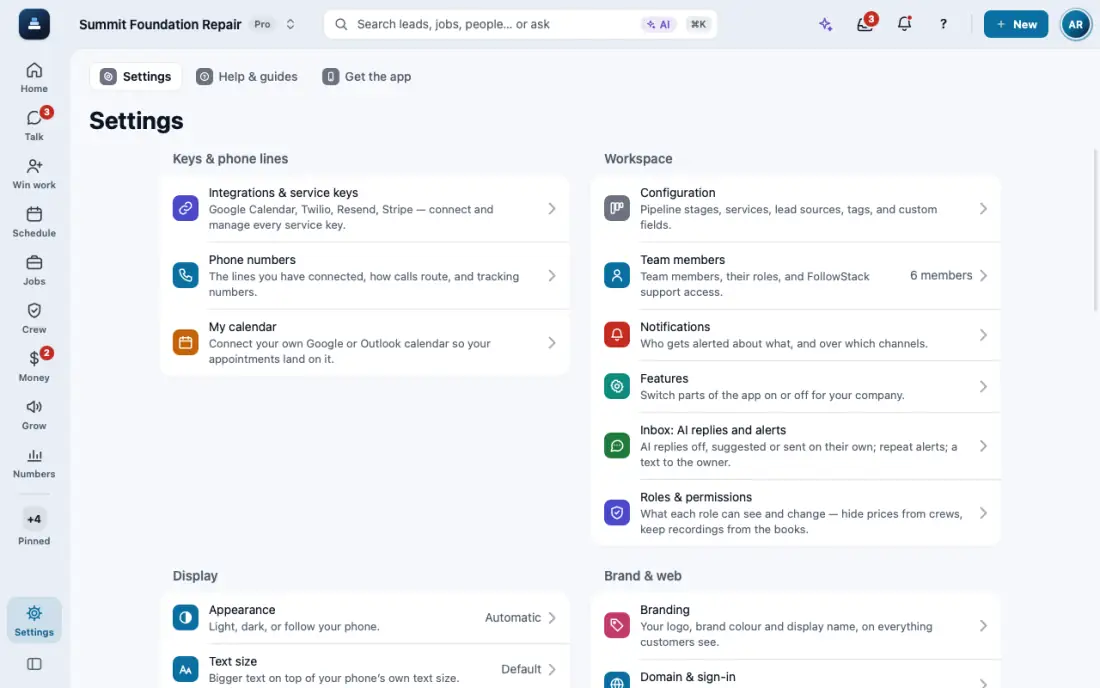
Set up your workspace in 10 minutes
Your phone line, how calls are answered, your team and your first leads.
Steps
Connect your phone line: Settings, then Connections, then Twilio. Tap Set up my number for a new business number, or connect your own Twilio account.
Pick how calls are answered: forward to your cell, ring the app, or let the digital receptionist take them.
Invite your team: Settings, then Team members, then Invite user. Each person gets a role that controls what they see.
Add your first leads: Leads, then New lead. Calls, texts and web forms make leads on their own.
In the app, open Help & guides and tap Show me: FollowStack points at each button as you go.