Run the job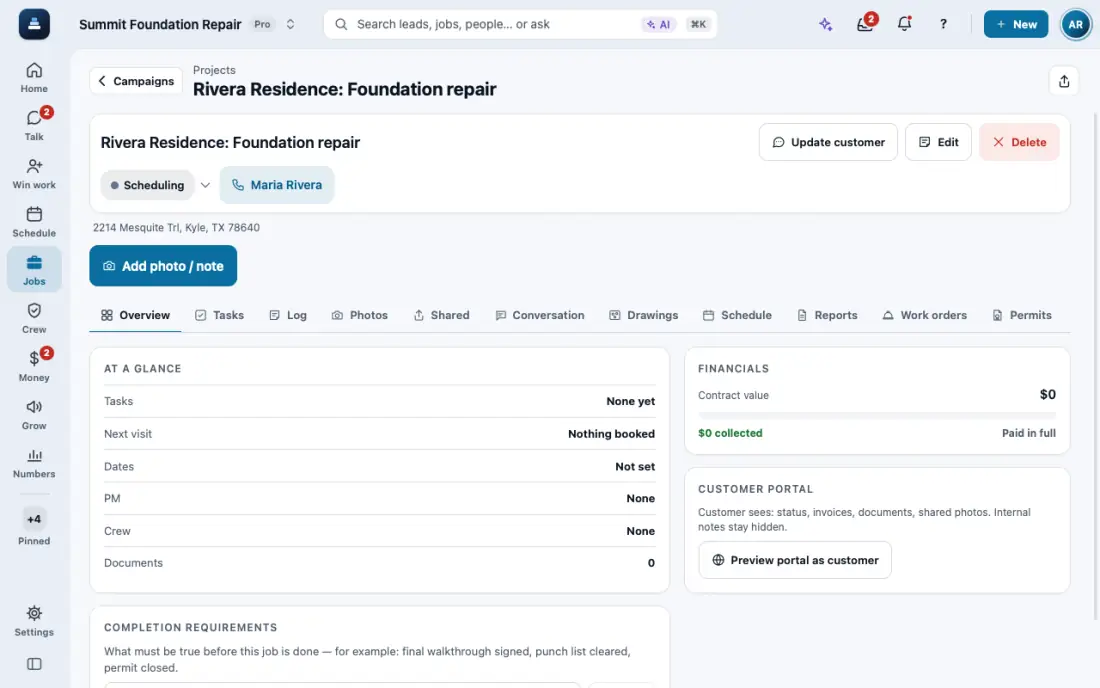
Make a change order
A signed change that updates the contract.
Steps
Open the job, then Change orders, and start a new one.
Add what changes and the price. You can attach the updated plan.
The customer signs with a finger on your phone, or from a link. Approved by phone? Use Log verbal approval.
Once signed, the contract total updates. A wrong one is voided, not deleted.
In the app, open Help & guides and tap Show me: FollowStack points at each button as you go.
Related guides
- The field crew's day on the phone
- Your phone app
- Schedule crews and dispatch
- Time clock and time cards
- Close out the job
- Permits, inspections and punch lists
- Track what a job costs
- Handle service calls and maintenance plans
- Track safety talks, incidents and equipment
- Give jobs to subcontractors at their rates
- Send a request to a vendor with a link
- Handle repair requests from tenants
- Set up your properties, units and portfolios
- Keep soil reports, permits and site facts on a property
- Share a job with a property manager or investor
- Send requests to your pros and approve their estimates