Company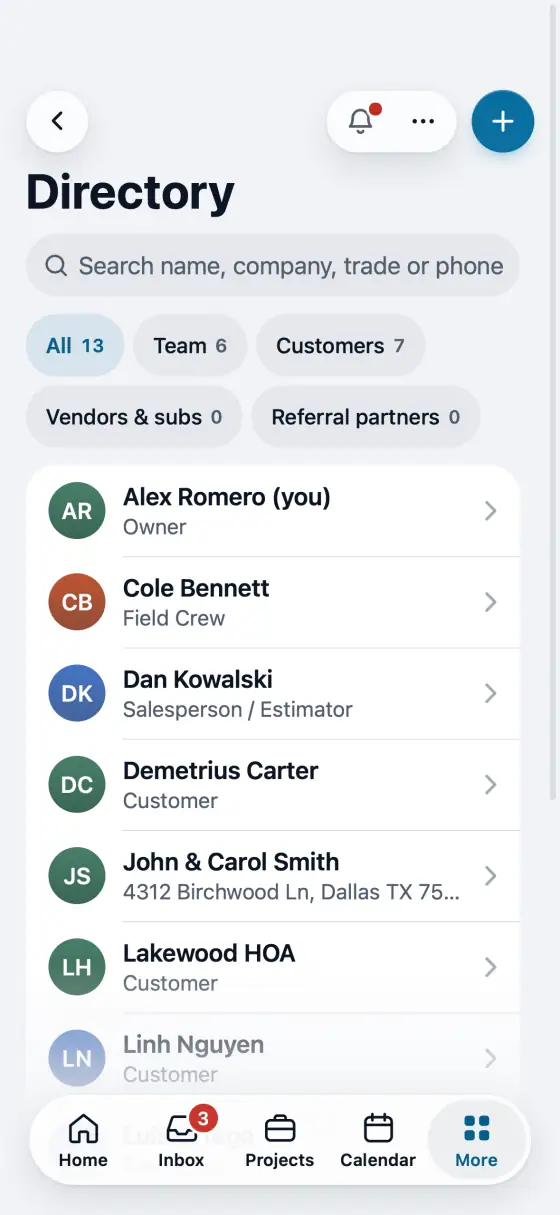
Use FollowStack in Spanish
Every screen in Spanish for a person who prefers it, and search understands Spanish.
Steps
The app follows your phone's language. To choose, open Directory, then My profile.
Turn on I prefer Spanish (Prefiero español) and save.
Screens, buttons and these guides switch to Spanish. Find a screen and Help search understand Spanish words too.
In the app, open Help & guides and tap Show me: FollowStack points at each button as you go.
Related guides
- See who is selling and pay commission
- Run reports and send them to your team and your CPA
- Invite your team
- Choose what each role can see and do
- Your plan, credits and seats
- Set up templates and custom fields
- Connect your services
- Use FollowStack from Claude or ChatGPT
- Find anything from the search bar
- Ask FollowStack to find, change or count anything
- Change your password
- Download all your company data
- Get help from the FollowStack team