Customers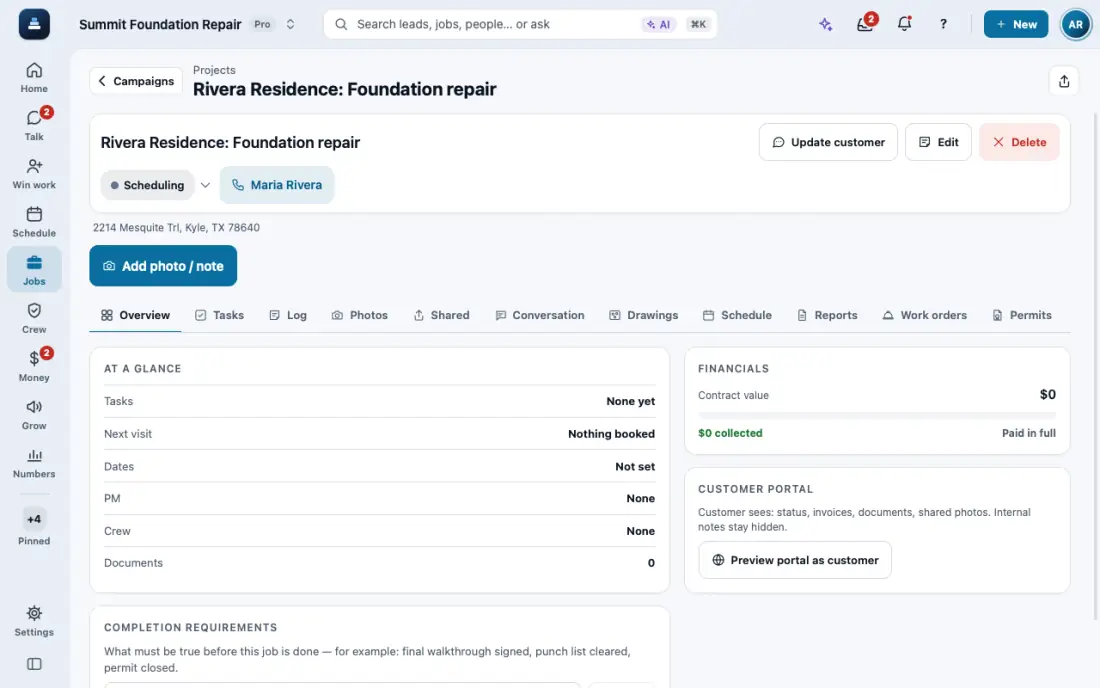
Give customers a branded portal
A magic-link portal with projects, proposals, invoices with Pay, documents and photos.
Steps
From a customer or a job, share the portal link. They see projects, invoices and proposals, and can pay. Preview portal as customer shows what they see.
Brand it: Settings, then Branding. Your logo and color show on the portal and the PDFs.
To use your own domain, which is optional, open Settings, then Domain & sign-in. Add the DNS record it shows, tap Check DNS, then Activate HTTPS.
In the app, open Help & guides and tap Show me: FollowStack points at each button as you go.
Related guides
- Send invoices and collect payments
- Give the homeowner a home record packet
- Talk with customers in Spanish
- Get referrals with a link and a QR code
- Give your customer their portal
- One sign-in for all of a customer’s portals
- See how a customer engages
- See what your customers read and what held them
- See where customers tap, replay their visits and watch your numbers
- See how your customers engage and how fast your team reaches them