Get paid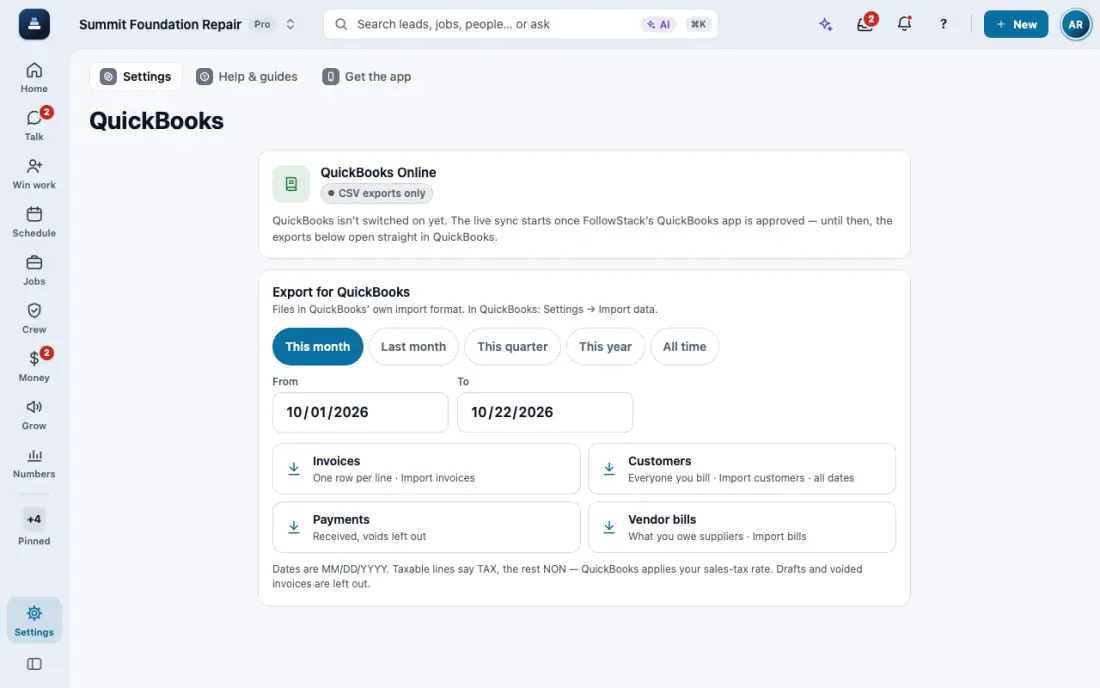
Send your books to QuickBooks Limited
CSV exports of invoices, customers, payments and bills, ready to import.
Steps
Open Payments and tap Export for QuickBooks, or open QuickBooks.
Pick the period: this month, last month, this quarter, this year or all time.
Download each file and import it in QuickBooks. Voided payments are left out.
In the app, open Help & guides and tap Show me: FollowStack points at each button as you go.